In the first week of the year, the class teacher creates a WhatsApp group for parents. A month later the group is full of congratulations, repeated questions and public complaints, and an important message about an exam date or a change in dismissal gets lost in the middle. The school never decided this would be its way of communicating, but that is what it has become.
The problem is not WhatsApp itself. It is that a group is an open space the school does not own. This article explains how to move to organized communication: a message from the school to the people who need it, a record proving it was sent, and a clear channel for replies.
What really happens inside class groups
Anyone who follows parent groups in any school knows the scene. A question about homework is asked ten times by ten people. An angry parent posts a complaint about a teacher in front of forty families. Children's photos circulate without their families' permission. And the administration's message about the parent council meeting is buried under a hundred "thank you, God bless" replies.
Meanwhile, the teacher who created the group becomes responsible for it without ever being formally asked to be. She replies in the evenings and on holidays, and every mistake in the group is blamed on her. If she moves to another school, the group stays, tied to her personal number and the numbers of all the families.
The most serious problem is that the school has no record. It does not know who read the circular and who was never in the group at all, and it cannot prove that a parent was informed of something on a given date.
Start with the data: who the parent is and who their children are
Before any messaging system, the parent database must be correct. Every student is linked to at least one parent, and every parent sees all their children in a single record, even if the children are in different stages. A family with three children in primary, middle and high school should not be treated as three separate families receiving three copies of the same circular.
Steps to clean up the data at the start of the year:
- Ask every family to update their mobile number and email through a single form in the first week.
- Link siblings to one parent instead of duplicating the parent record for each student.
- Decide who the primary recipient of messages is in cases of separation, or when one parent works abroad.
- Deactivate the parent records of students who have left the school so they stop receiving its messages.
Segment messages by audience
A large part of the chaos comes from every message going to everyone. A fourth-grade trip does not concern first-grade families, and a high school exam date does not concern kindergarten families. When parents receive messages that do not concern them, they learn to ignore all school messages.
Think of the audience in levels: all parents in the school, parents in a stage, parents in a grade or class, and then one specific parent. An absence message goes to one parent, the exam timetable goes to the grade's families, and the end-of-term holiday goes to everyone. Add teachers and staff as a separate audience that should not be mixed with parents.
Choose the channel by how important the message is
Not every piece of news deserves a message on the phone. A school that sends ten messages a week trains parents to ignore them. Distribute your messages across channels with this logic:
| Message type | Suitable channel |
|---|---|
| Student absent or late today | WhatsApp or SMS |
| School closure or change in dismissal time | WhatsApp or SMS |
| Fee installment reminder | WhatsApp or email |
| Results and exam timetables | WhatsApp with an in-app notification |
| News about events and activities | In-app notification and the school website |
| Long reports and regulations |
The goal is for parents to know that a message from the school on their phone is always important, so they read it as soon as it arrives.
What to do with existing groups
Closing all the groups in one day provokes objections from parents. It is better to phase them out. At the start of the term, announce that circulars and official dates will come only from the school's channel, and that anything posted in the groups is not binding. After a few weeks, once people are used to the official channel, switch the class groups to announcements-only mode so that only the admin can post, or close them.
A written policy helps teachers a great deal: no communication with parents from personal numbers, individual questions go to student affairs or to a meeting with the teacher, and complaints have an official route. A teacher with a policy to rely on can say no without seeming dismissive.
And do not forget to give parents a way to reply. If a parent has no way to ask a question, they will go back to the group or to the teacher's number. A single reception number for the school, answered by a staff member during working hours, is enough for most schools.
Write the message the way parents read it
Parents read school messages on their phones, often at work or on the road. A message that has to be read twice will not be read twice. Put the key information in the first line: what, when, and who is affected. Then add details if needed.
Compare two versions. The first: "The school administration is honored to inform the esteemed parents that it has been decided, God willing..." The second: "Grade 5 exams start next Sunday; the timetable is attached on the school website." The second is received and understood, while the first is closed before it reaches the information.
Write in the name of the school, not of the individual staff member, and in neutral language that carries no blame. An absence message, for example, tells the parent what happened and how to get in touch, and does not assume the student was absent without an excuse.
What the administration should monitor
Organized communication can be measured, and that is the biggest difference between it and groups. Each week, review how many messages went out, how many failed and how many are still pending. A failed message usually means a wrong number, which means a parent who will not know anything until their data is fixed.
Also pay attention to the kind of calls that reach reception. If many of them are questions about things that were already sent, the problem is the clarity or timing of the message, not the parent. Rewrite the template and try again.
How this works in Prima Schools
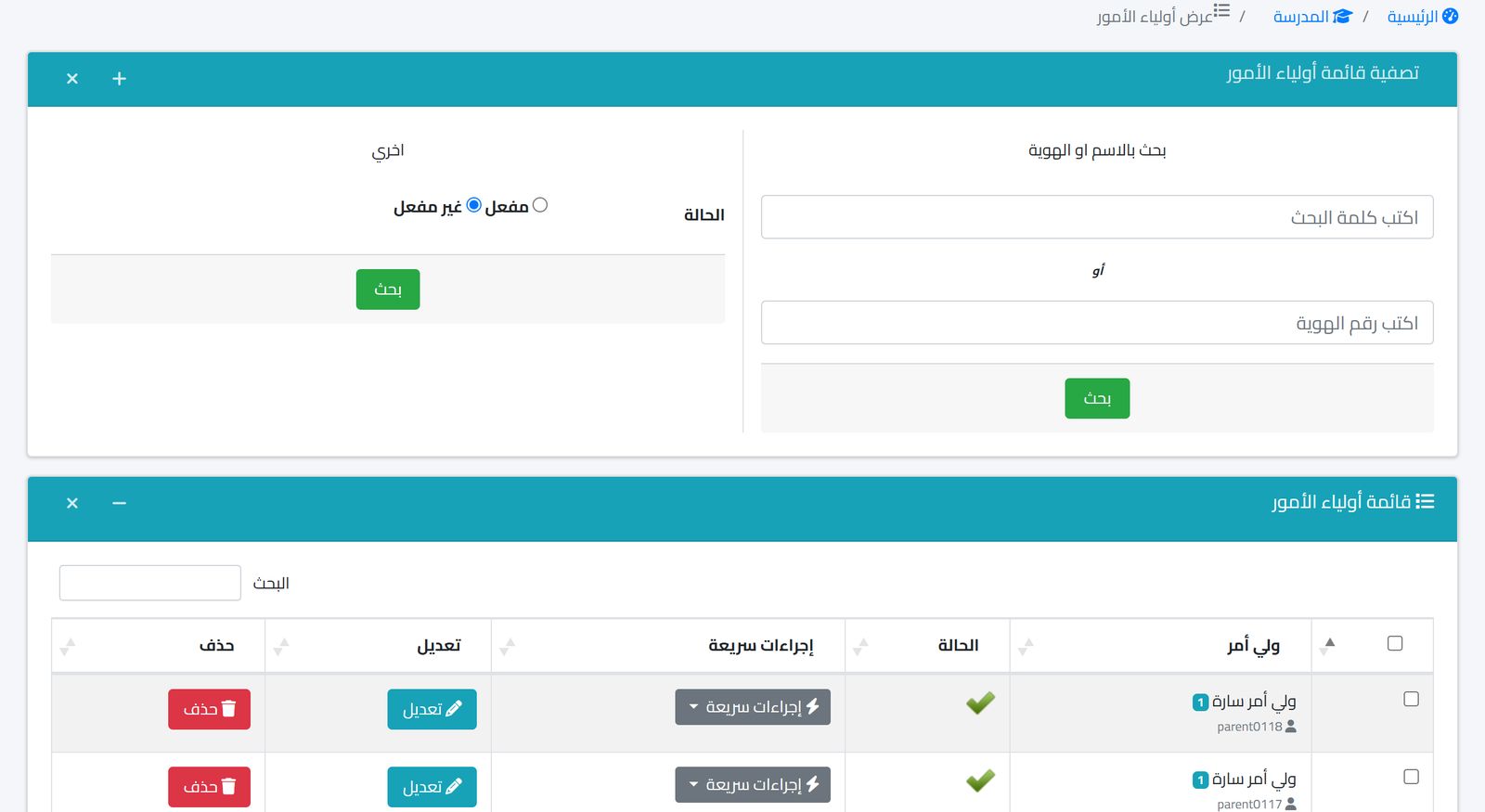
In Prima Schools, communication starts from correct data: every parent is linked to their children, and the parents list shows names, children and status with search and quick actions. All messages go out from a single notification center that supports four channels: SMS, WhatsApp through Meta's WhatsApp Business API, email, and in-app notification.
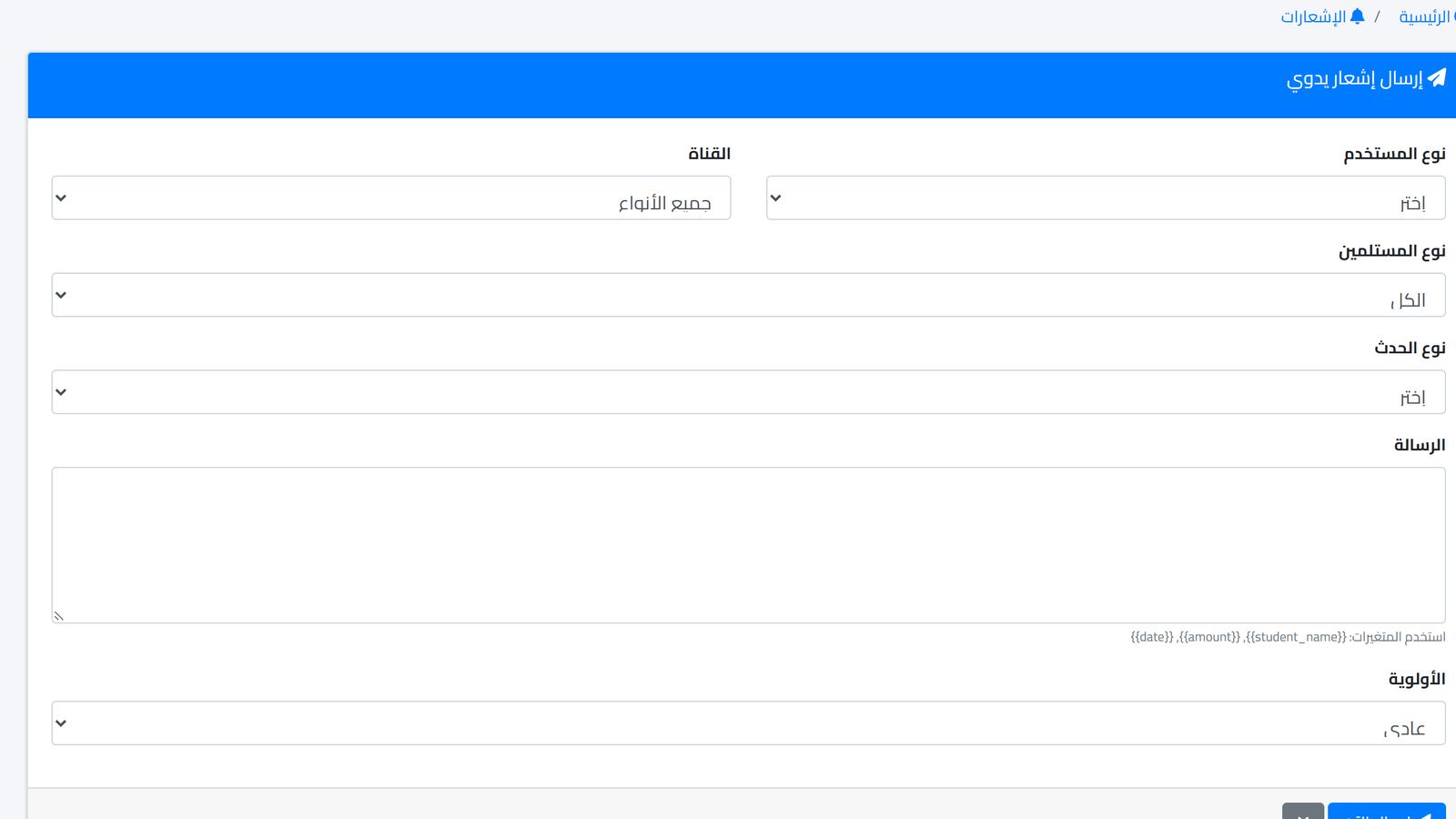
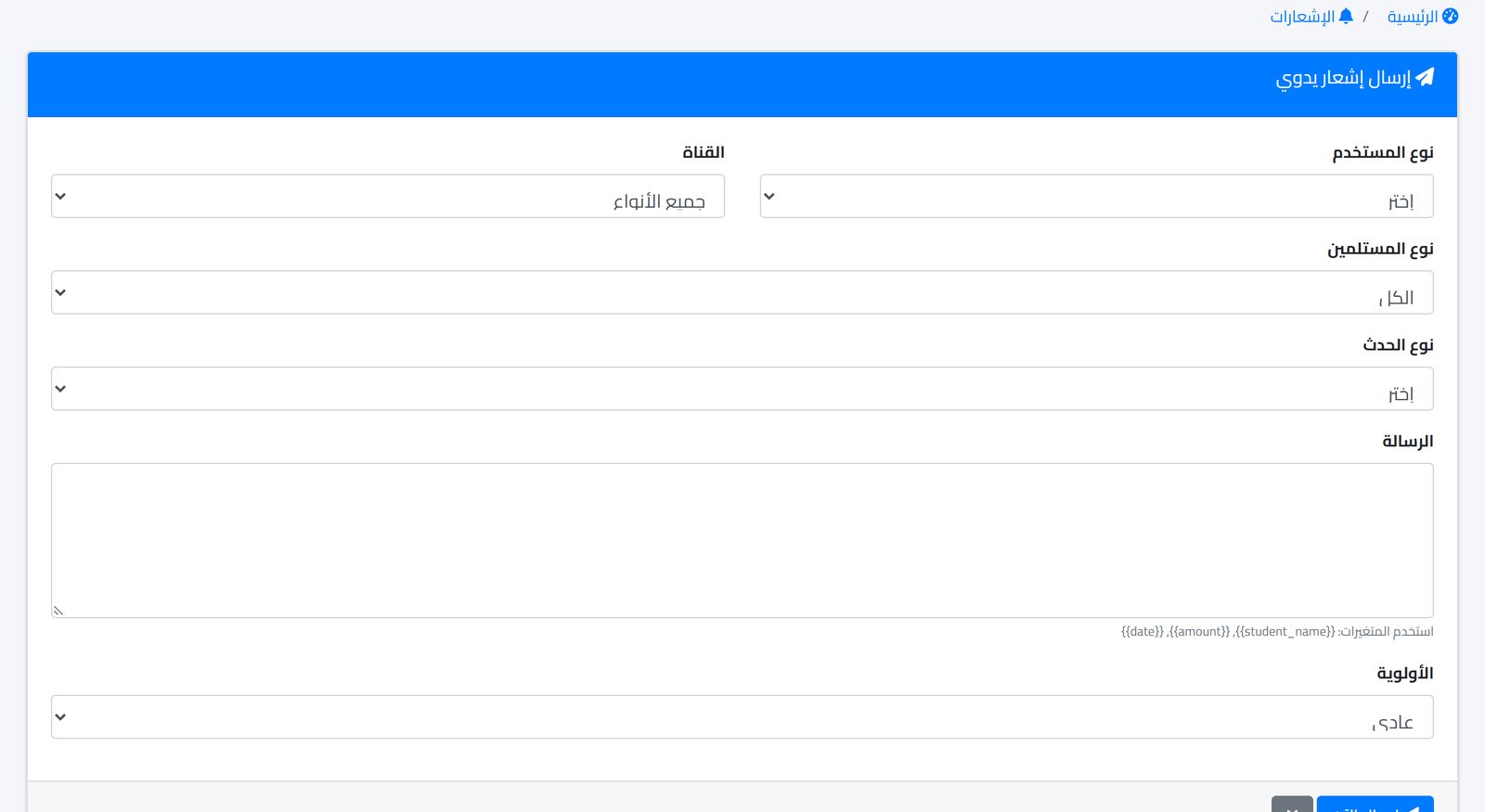
From the manual sending screen you choose the user type, the target group and the channel, and write the message text with variables such as the student's name, so each parent receives a text with their own child's name. Then you set the priority and send. Recurring messages such as fee reminders or exam timetables are saved as templates.
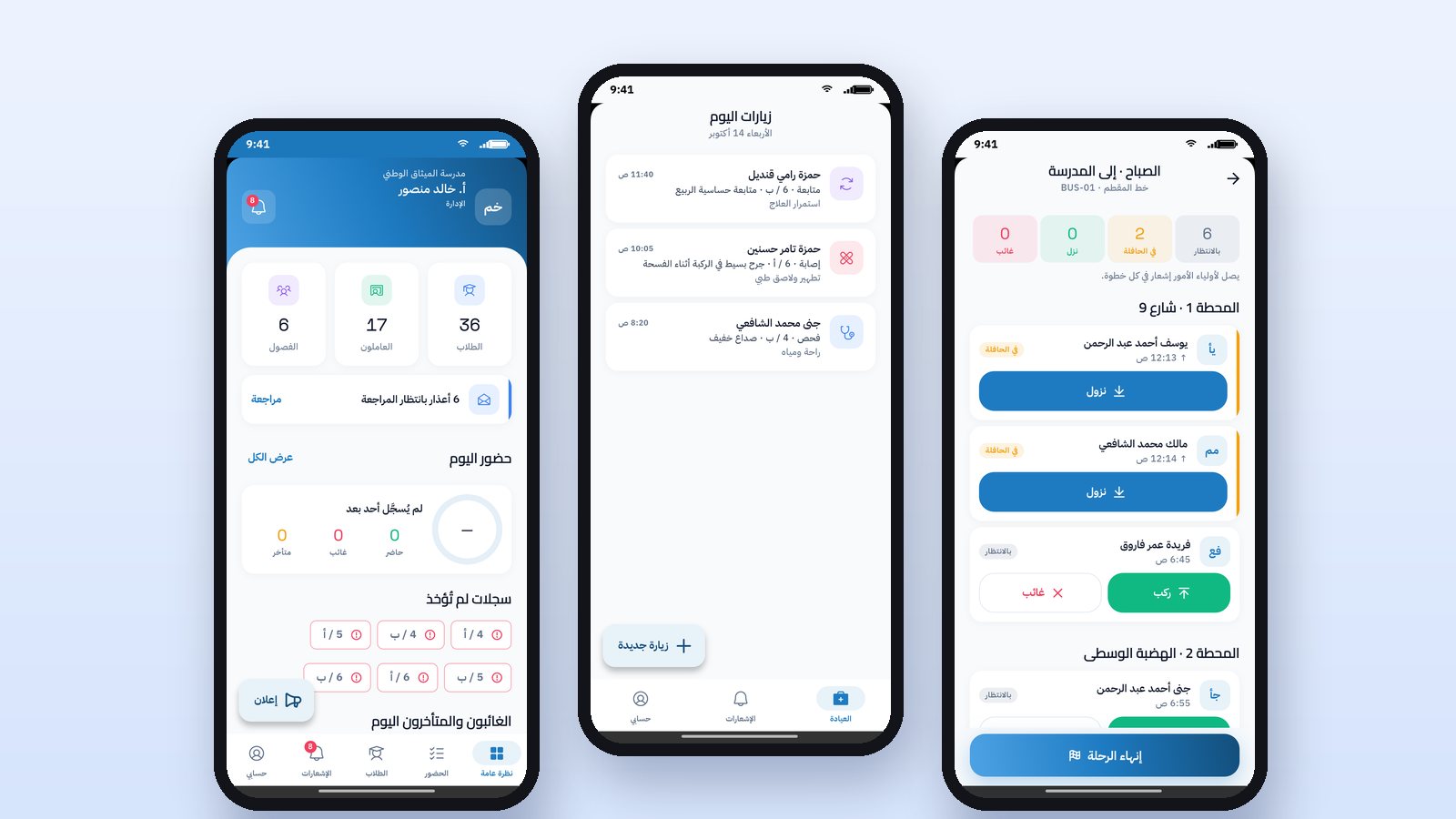
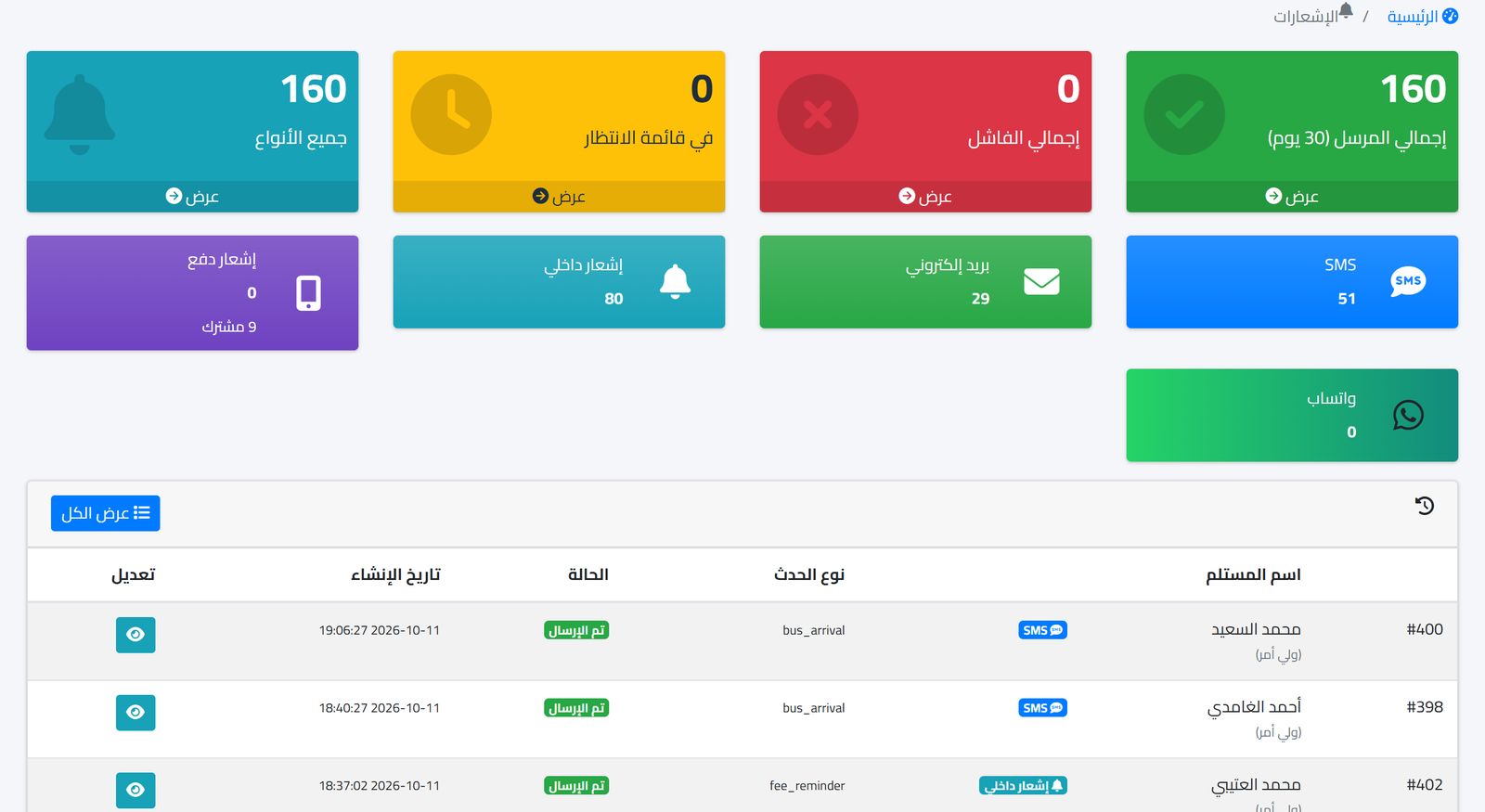
In the notifications dashboard you see the totals for all, pending, failed and sent, the distribution of messages across channels, and the latest notifications with the status of each. Every message is kept in the log, so if a parent says they were not informed, you can tell within a minute whether the message went out and through which channel. In the Prima Schools app for parents, parents message their child's teacher or the administration directly, and the teacher replies from the Prima Staff app, with no personal numbers and no groups.
For details on connecting official WhatsApp, read School WhatsApp: sending absence notices and results, and to turn paper circulars into messages, see School circulars: from paper to instant notification.
Frequently asked questions
Should we close class groups for good?
Not necessarily. Some schools keep them for announcements only, so that only the admin can post. What matters is that official messages are in the school's channel and that everyone knows the group is not the reference.
How does a parent reply to a school message?
Set a single route for replies, such as the school's reception number or email, and include it at the end of your templates so parents do not go back to the teacher's personal number.
What about families with more than one child?
Linking siblings to the same parent lets the school know it is addressing one family. Review the sending lists for general messages so the same message does not reach the parent more than once. Private messages such as absence notices reach them for each child by name.
If you want to see how the parents list and the notification center would work for your school, book a demo and we will walk you through the setup step by step.