The first question a private school owner in Egypt asks when considering management software is: how much will it cost me? The answer is rarely a single number, because vendors price in different ways that make comparison hard. This article explains the common pricing methods and how to work out the real cost for your school, with its number of students and its fees.
Common pricing methods
Price per student
In this model you pay an amount for each registered student, monthly or annually. The number looks small in the offer because it is written for one student, but the picture changes when you multiply by the number of students. For example, if the price is EGP 100 per student per year and you have 500 students, the cost is EGP 50,000, and if the number of students grows next year, the bill grows with it.
The advantage of this model is that it suits very small schools. Its drawback is that you do not know the final bill precisely until registration is complete at the start of the year, and every expansion of the school raises the cost automatically.
A fixed fee by student tier
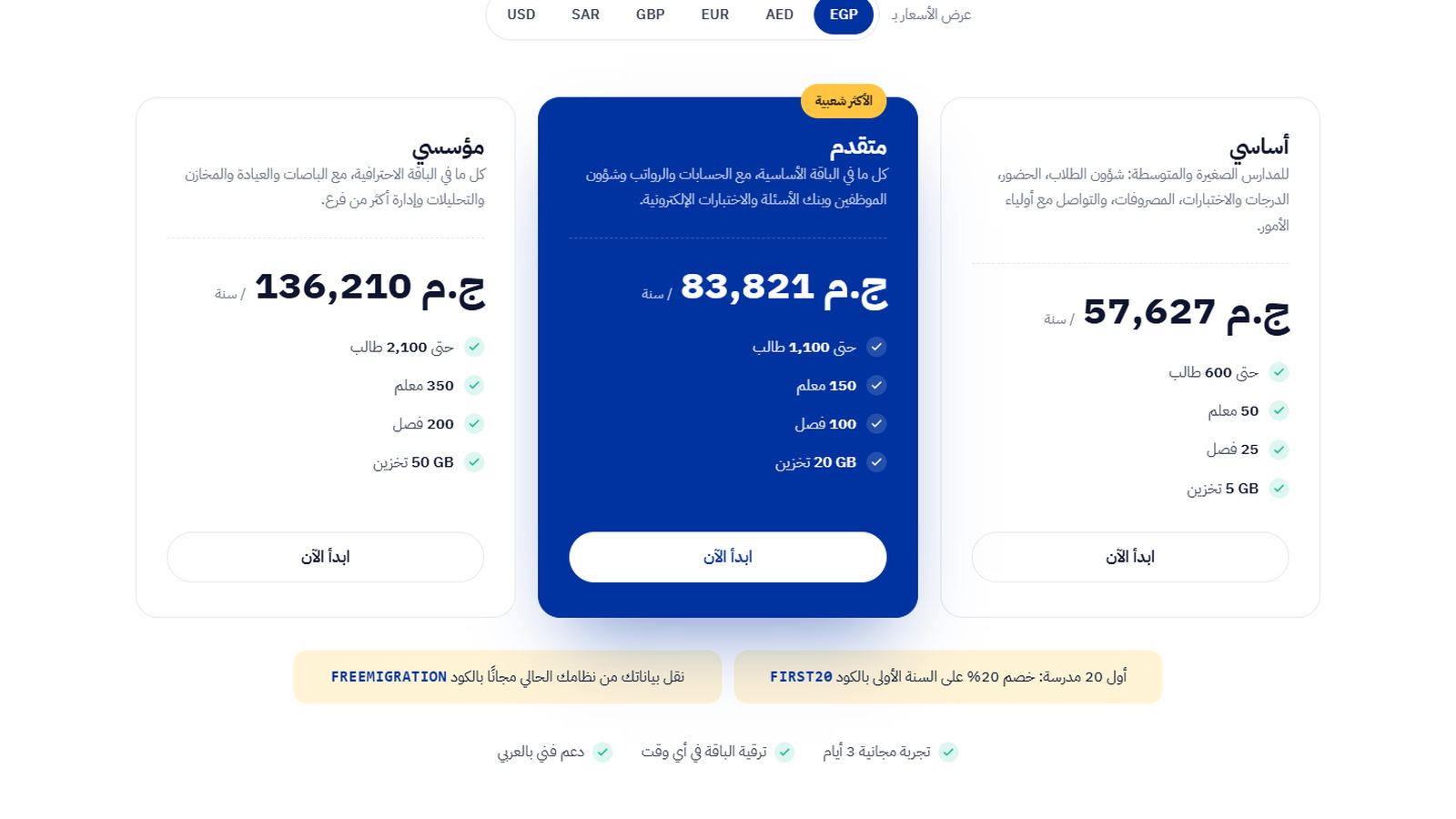
Here you pay a fixed annual amount that covers up to a certain number of students. If the tier goes up to 600 students and you have 450, you have room to grow without the bill changing. This model is easier for budgeting, because the accountant knows the figure from the start of the school year.
One-time license with annual maintenance
Common for software installed on a computer inside the school. You pay a large amount at the start, then a maintenance or update fee every year. Watch here for the cost of the server machine itself, the backups, and the technician who will deal with faults. These costs do not appear in the offer but they do appear in the school's budget.
Pricing by module
Some vendors sell each module separately: student affairs at one price, fees at another, buses at a third. The first offer looks attractive, and then you discover that what you actually need requires three or four modules.
Costs that do not appear in the offer
When comparing prices, ask about these items specifically and ask for the answer in writing:
- Moving data from the old system or from Excel files: is it included or priced separately?
- Training: how many sessions, and for how many employees?
- Messages: is the cost of SMS and WhatsApp messages included, or does the school's account bear it?
- An increase in the number of students mid-year: what happens to the bill?
- Technical support: does it have a separate subscription?
- The school website: does it need a separate developer and hosting?
A single one of these items can change the whole comparison. Software whose price is slightly lower but that charges one amount for data migration and another for training will cost you more in the first year than software that includes all of that.
How to calculate the cost for your school
The clearest way is to compare the software cost with the volume of fees the school collects each year. Take this illustrative example: a language school with 400 students and average annual fees of EGP 40,000 per student. The total the school collects in the year is EGP 16 million.
If the annual software cost is around EGP 60,000, for example, it is less than half of one percent of the fees collected. So the question worth thinking about is not "is the price high?" but "will the software help me collect overdue payments on time and reduce errors?" A single late installment from a small number of students may equal the cost of the entire software.
So work out three numbers before deciding: the full first-year cost with all items, the cost for the second year onward, and the cost per student per year, by dividing the amount by your current number of students. The article Calculating the return on a school management system explains how to estimate what the school saves in return.
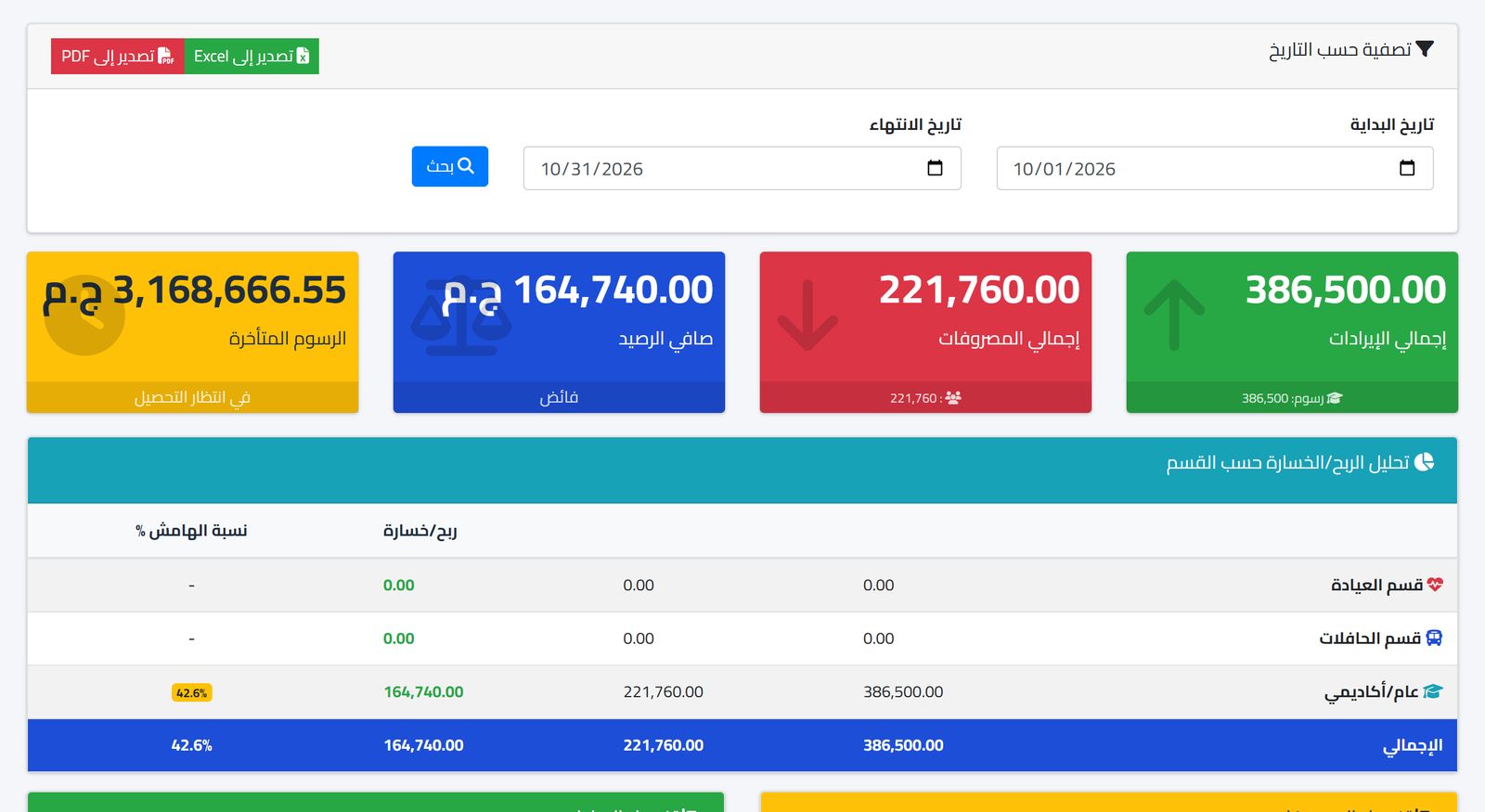
If you are comparing more than one offer, put them in one table with the same columns: annual price, number of students included, modules included, data migration, training, support, and second-year cost. Comparing with the same columns reveals the differences that each vendor's way of presenting prices hides.
Pounds and dollars: a question that matters to Egyptian schools
Many cloud programs are priced in dollars, and this worries school owners given changes in the exchange rate. Ask the vendor: is the price fixed for the whole year after contracting? And does it show in pounds when you pay? An annual contract protects you from price changes during the school year, because the amount is paid once and known from the start.
On the other side, make sure the software itself records student fees in pounds. International schools that collect part of their fees in a foreign currency need a system that accepts more than one currency in fee structures.
Contract questions before signing
The price is one part of the agreement, and the contract is the other. Ask about the subscription term: is it annual or for several years? Can the vendor raise the price at renewal, and by what percentage? Some schools sign at a good price in the first year and are surprised by a large increase in the second, after switching to another system has become expensive.
Ask about your data: if you decide to end the subscription, can you export student and payment data to Excel? And within what period? The data belongs to the school, and this should be clear in the contract, not in a verbal promise.
Finally, ask about the start date. The best time to launch a new system is a month before the school year starts or during the mid-year break, not in the middle of fee collection or exam season. If the contract starts from the signing date, try to make that date match the launch plan so you do not pay for months in which you are not actually using the system.
Which tier suits your school?
When choosing between plans based on the number of students, do not calculate only with today's student numbers. Consider the school's plan for the next two years: will you open a new stage? Will you add classes in the kindergarten? A school with 550 students today that plans to open the preparatory stage may exceed the tier limit within a year, so it is better to calculate the cost for both numbers.
Common mistakes when comparing prices
- Comparing a per-student price with a fixed price without multiplying it by your actual number of students.
- Ignoring the expected growth in students over the next two years.
- Choosing the cheapest and then buying the missing modules one by one.
- Not counting staff time spent moving data by hand if migration is not included.
And remember that the cheapest offer is not always the lowest cost. Also count your team's time: if the software saves the accountant and the student affairs employee an hour a day of preparing lists and matching receipts by hand, those are hours that can go to following up overdue payments or serving parents. This return does not appear in a price offer, but it shows in the school's performance all year.
Prima Schools prices
Prima Schools charges a yearly price per student, and the package is chosen automatically from the school's number of students across all its sections and branches. Prices are published on the pricing page with a yearly price calculator, in the visitor's currency:
| Package | Price per student a year | Number of students |
|---|---|---|
| Basic | EGP 250 | 100 to 499 students |
| Professional | EGP 199 | 500 to 999 students |
| Enterprise | EGP 149 | 1,000 students and more |
In the earlier example, a school with 400 students falls in the "Basic" package, so its yearly subscription is 400 × 250 = EGP 100,000. Packages start at 100 students, and no package costs less than the full price of the package below it, so a school with 500 students never pays less than one with 499.
Every add-on, such as transport, the installable app and advanced attendance, is free for a limited time, and there is a founding-schools offer for a limited period on the offer page. The modules themselves, from student affairs and attendance to fees and financial reports, are detailed on the features page.
Frequently asked questions
Does the price change if the number of students grows during the year?
The subscription is priced on the number of students you enter when you subscribe. If your real number of students grows, the system lets you know so you can update the subscription or move to the right package; nothing is charged automatically.
In which currency are prices set?
Prices are set in Egyptian pounds and shown in the visitor's currency on the pricing page. The subscription is yearly, so the amount is known from the start.
Can I try it before paying?
Yes. There is a free trial where you enter your school's data and test the modules yourself.
If you want to know the actual cost for your school before any commitment, start the free trial and work out the three numbers on your own data.