School sections
Arabic, Languages, International or any other section, each with its own academic structure.
Build your school's structure as it really is: sections, academic years, terms, stages, grades, classes and subjects, for the whole system to work on.
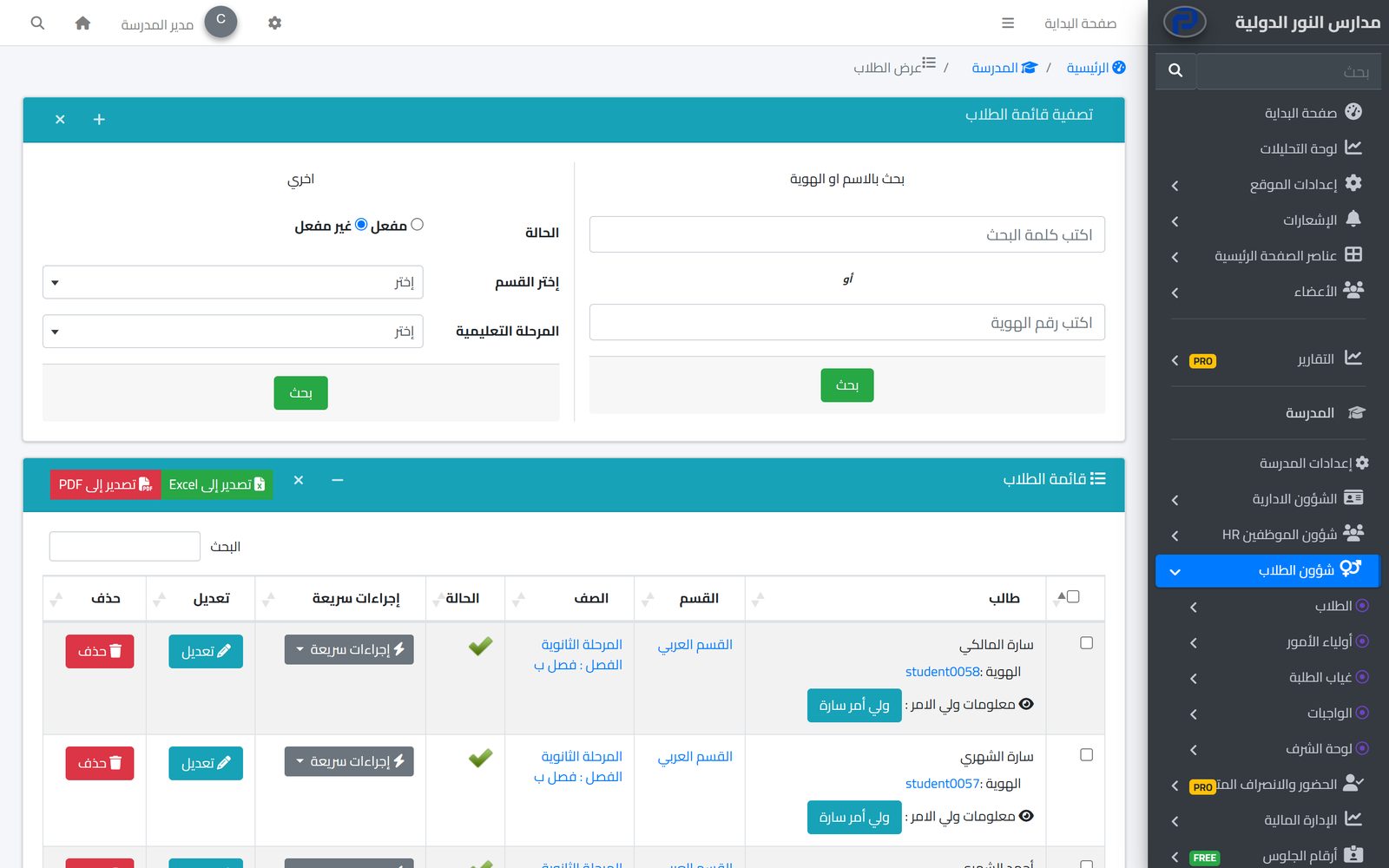
The academic structure is the base everything else in Prima Schools stands on. You set the school's sections, then academic years and terms, then stages, grades and classes, so the system knows where every student and teacher belongs, and timetables, attendance, homework, fees and results are built on it.
Each grade has its own subjects, and each subject has its description, attached files and links, a practical flag, and a virtual classroom link if there is one. Every student is registered in a section, stage, grade and class, and teachers are tied to their section and stage, so the apps show each of them the subjects and timetables that are theirs.
At the start of a new year or when classes are reshuffled, the administration moves a group of students to another class in one go. The school can add its own data fields for students, parents and teachers, and define job types and exam dates. Every name is written in Arabic and English so each user sees it in their language.
Then the year's terms.
Then each grade's subjects with their files.
Each in their section, stage and class, or import your current data.
Arabic, Languages and International sections in one school, each with its own structure, fees, timetables and results, in one system.
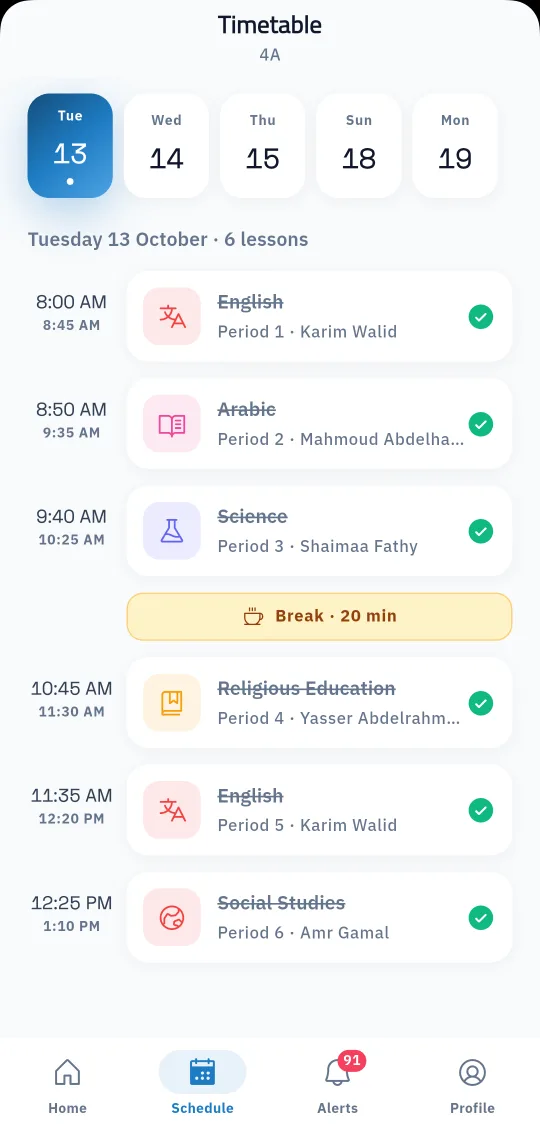
Learn MoreSet each class's timetable once, and students, parents and teachers see it in their apps every day.
Learn More
One file per student with their details, class, parents and app account, the base for everything the school does each day.
Learn MoreSection, then academic year and term, then stage, grade and class, then each grade's subjects.
Yes. Each grade has its own subjects, and each subject has its description, files and links.
The administration selects the students in the list and moves them to the new class in one go.
Yes, with extra fields the school defines for students, parents and teachers.
Yes. Each section has its own years, stages, grades and classes.
Yes. Section, stage, grade and subject names are written in both languages.
Create your account and start a trial, or book a live demo with our team.

