Detailed items
Item code, SKU, barcode, brand, model, unit and unit cost, with a minimum and maximum quantity.
Know what is in the school's stores, where it is and what is running low, and hand out supplies through requests approved by the person in charge.
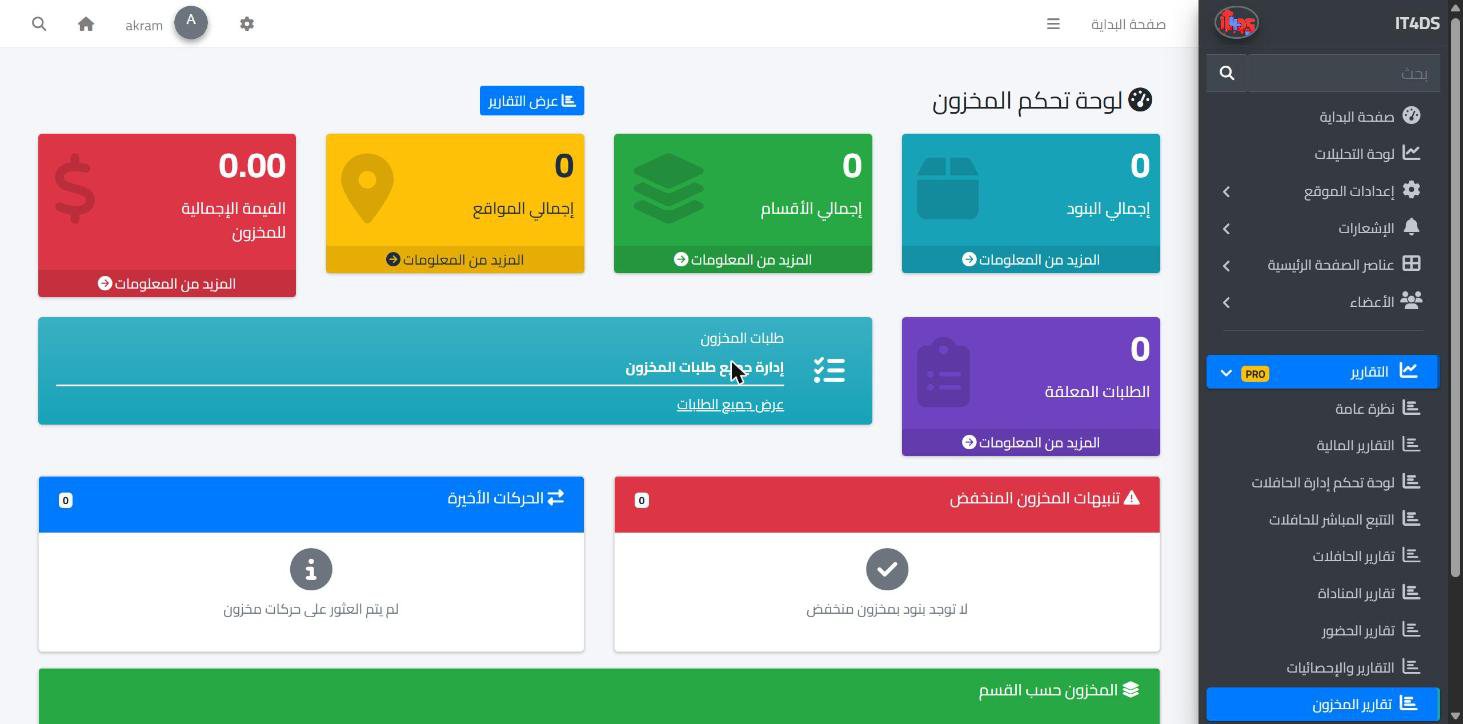
Every school keeps stores of stationery, equipment, medical supplies and spare parts, and often nobody knows the real stock until a count is done. In Prima Schools every item is recorded with its section, storage location, supplier, unit and cost, plus a minimum and maximum quantity, so the current stock of each item is visible at any time.
Every stock movement is recorded: goods in, goods out, returns, transfers between locations and count adjustments. The inventory dashboard shows the items that have reached their minimum, so the school orders before they run out.
Teachers and staff request what they need on the school website with a reason; the person in charge approves or rejects it and the requester is told, and when the items are handed out the stock is reduced and the movement recorded by itself. Inventory also links to the clinic and the buses: supplies used by the clinic and spare parts used in maintenance come out of the same stock.
With current stock and a minimum for each item.
Stock in, out and transfers, and staff requests from the school website.
On the inventory dashboard and reports, and order what is running low.
Numbered purchase orders, supplier invoices and payments, and a clear balance owed to each supplier, all reflected in the school's financial reports.
Learn More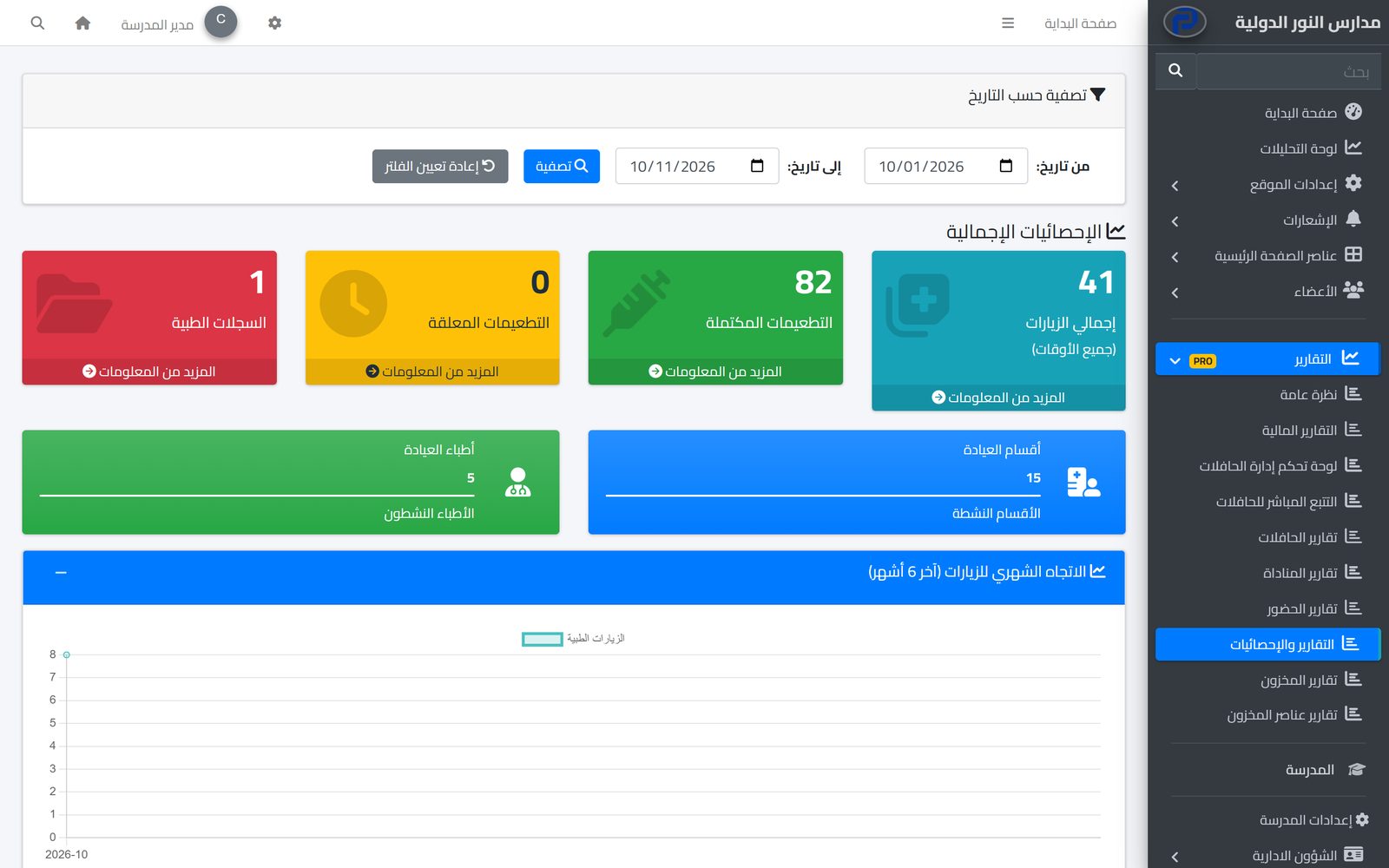
A medical record for every student, visits recorded on the nurse's phone with parents told, and vaccinations with reminders before they are due.
Learn More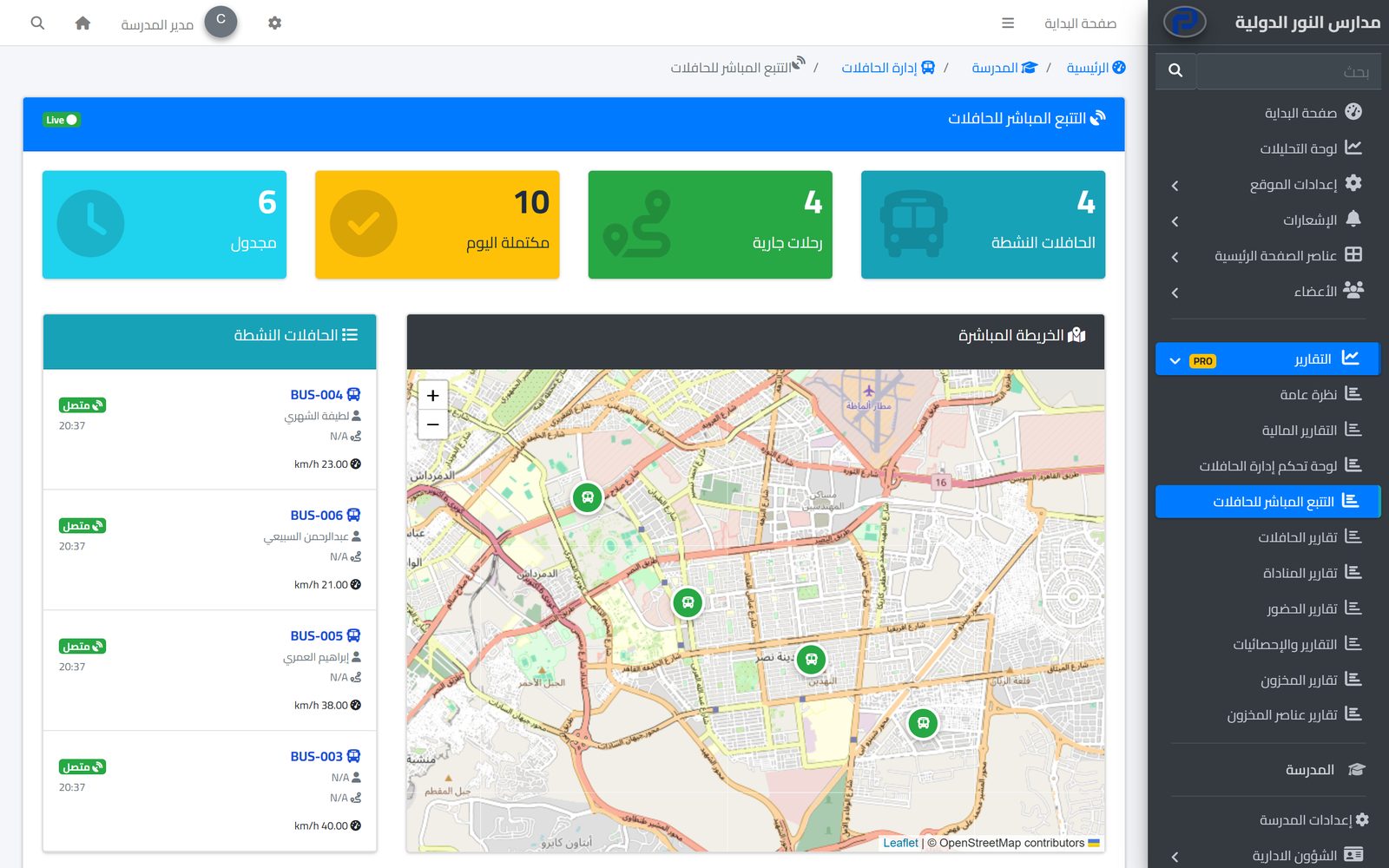
Parents follow their child's bus on the map in real time and hear when they board and get off, while the school runs buses, routes and maintenance in one place.
Learn MoreYes. The inventory dashboard lists items at or below the minimum set for them.
From their account on the school website: they choose the item, quantity and purpose, then follow the request.
Yes. When an approved request is handed out, the stock drops and an out movement is recorded with a reference number.
Yes. Storage locations are defined and transfers between them can be recorded.
Yes. Clinic supplies and maintenance parts come out of inventory, each with a usage report.
The packages that include inventory are shown in the availability badge at the top of this page and on the pricing page.
Create your account and start a trial, or book a live demo with our team.

