Organised conversations
Each message has a subject, replies stay in the same conversation, and read status and unread counts are shown.
Students, parents, teachers and the administration message each other inside the system and the apps, with clear rules on who can write to whom, and a way to report abusive messages and block their senders.
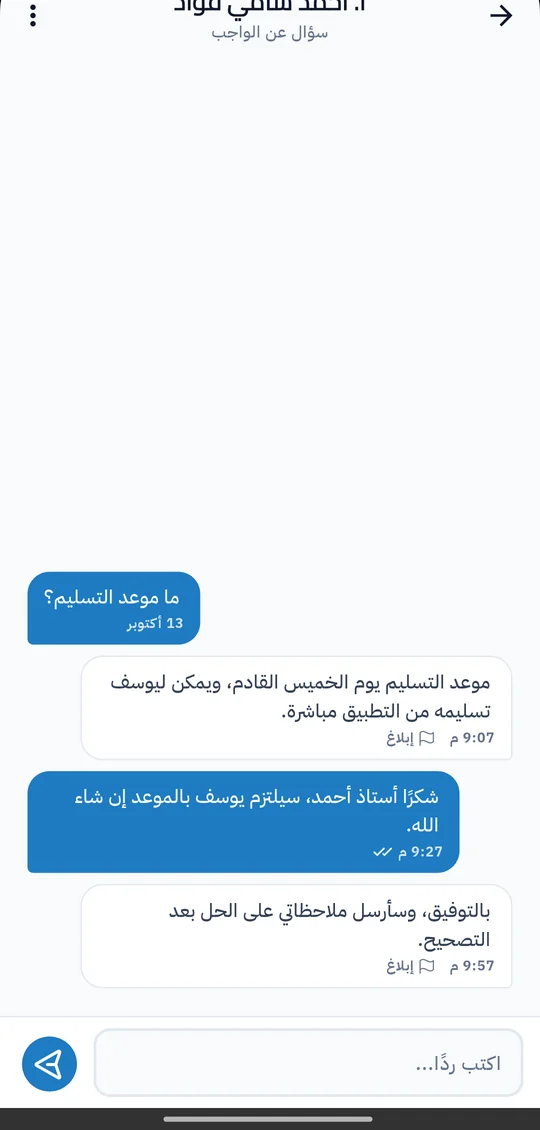
Much of the contact between school and family happens in open chat groups and on personal phone numbers, where messages get lost and the administration has no view of what is said. In Prima Schools it happens inside the system: every message sits in an organised conversation, replies arrive in the same place, and teachers never need to share their phone number.
Each group knows who it can write to. Students message their teachers, classmates and the administration; parents message their children's teachers about a specific child, and the administration; teachers message their students and their parents, and can send the same message to several people at once. Messages show on the school website and in the Prima Schools and Prima Staff apps, with an instant notice to the recipient.
Protecting students is part of the design. Anyone can report a message they received for bullying, inappropriate content or spam; the report goes to the administration for review, and the message can be removed. Users can also block someone who bothers them, so neither side can message the other until the block is lifted.
From the list of people the user is allowed to message, with search by name.
To one person, or to several people for teachers.
The recipient is told at once, and the reply arrives in the same conversation.
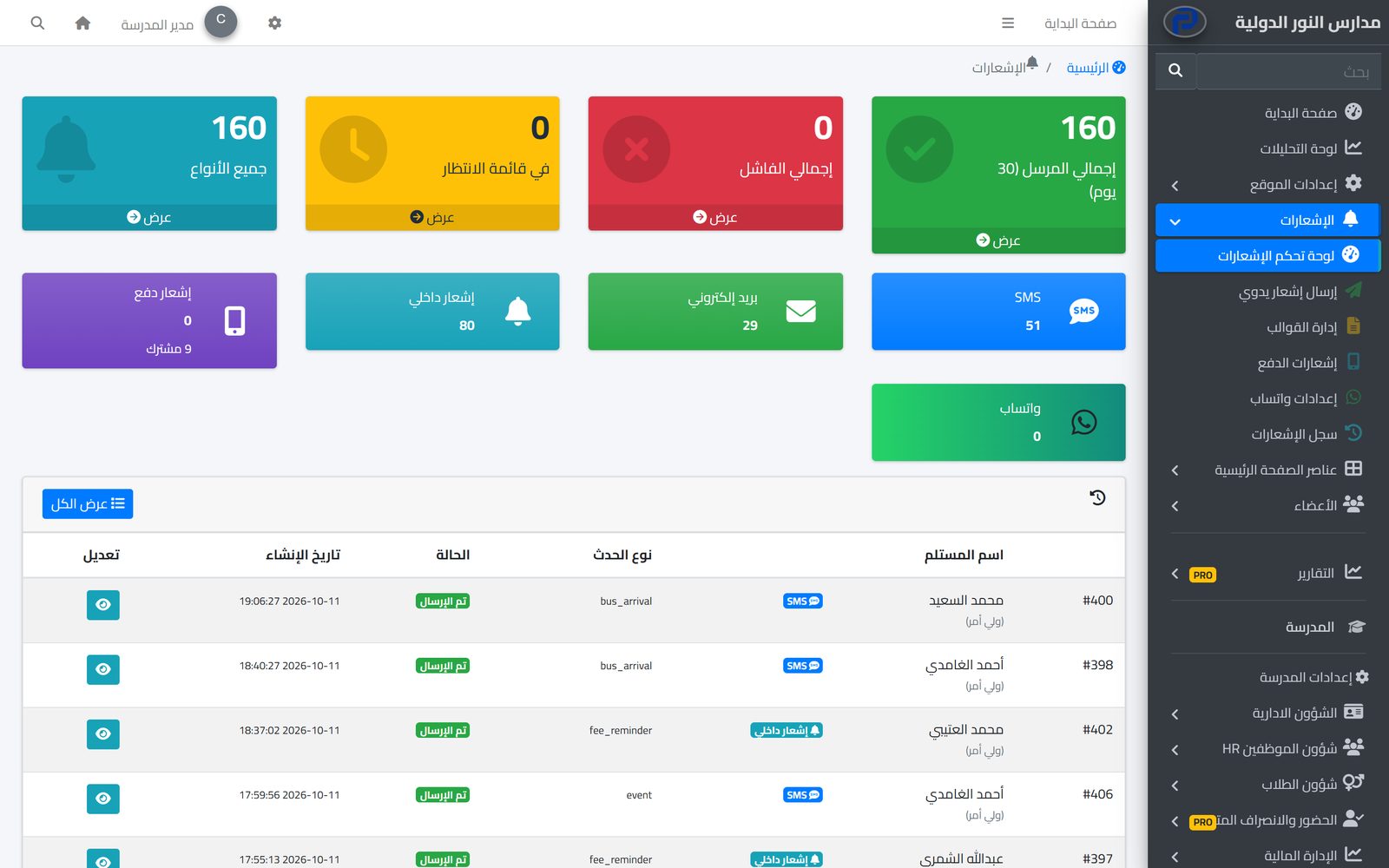
The system tells students, parents and staff about everything that concerns them in the apps and by SMS, email and WhatsApp, from one centre with editable templates and a full log.
Learn MoreParents follow their children's attendance, homework, marks and school bus on their phone in the Prima Schools app, message their teachers and send absence excuses without a trip to school.
Learn MoreThe school receives messages from visitors and parents on its website and apps and answers them from the admin panel, and gets support from the Prima Schools team through organised tickets in its account.
Learn MoreNo. Students message only their teachers, classmates and the administration, and every group has its own rules.
No, contact happens inside the system and the apps, with no personal numbers.
The report reaches the school administration with the message text; they review it and can remove the message.
Yes, and neither side can message the other until the person who blocked lifts it.
Yes, in Prima Schools, Prima Staff and on the school website, with an instant notice to the recipient.
Create your account and start a trial, or book a live demo with our team.


