All children on one screen
A card per child with today's attendance, average, attendance rate, homework to do and the next exam, and a tap to switch child.
Parents follow their children's attendance, homework, marks and school bus on their phone in the Prima Schools app, message their teachers and send absence excuses without a trip to school.
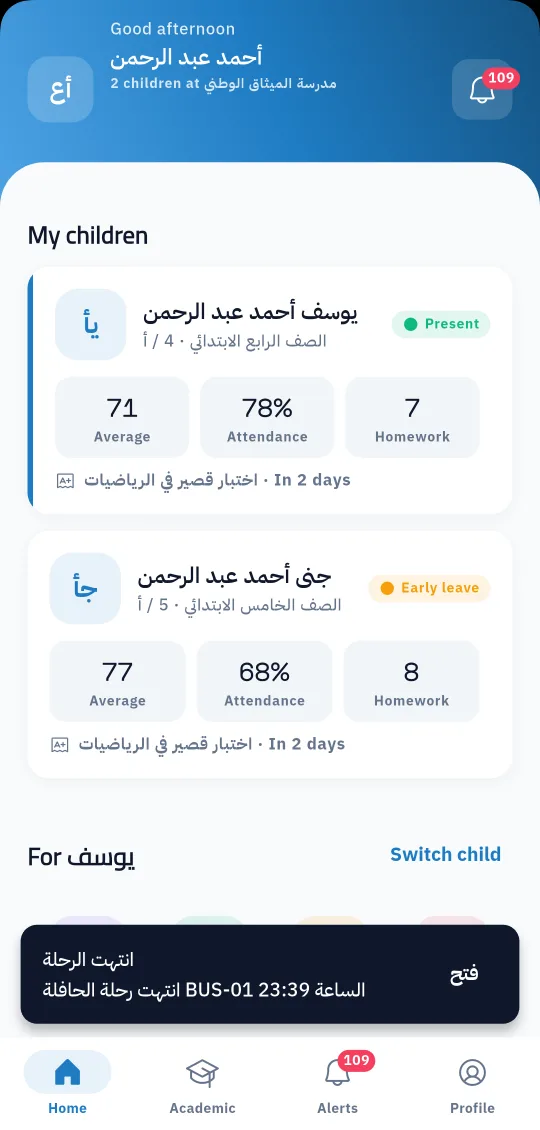
What parents want to know is simple: how is my child doing at school today? In the Prima Schools app the answer is on one screen. Each child has a card with today's attendance, average, attendance rate, homework to do and the next exam, and parents with more than one child at the school switch between them with a tap.
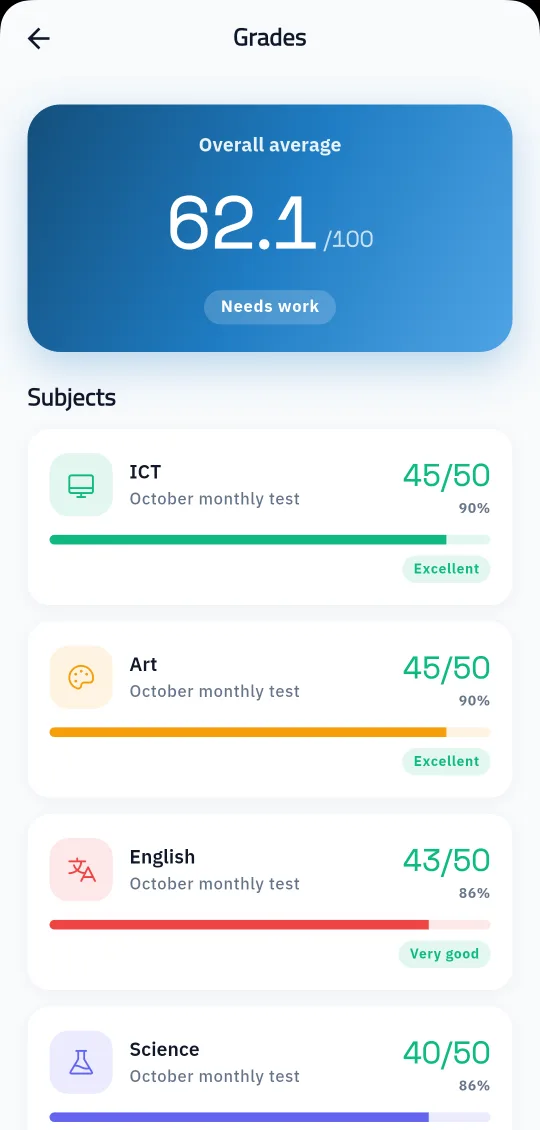
Everything teachers and the administration record in the system shows in the same app: attendance day by day, homework with its status and mark, subject marks and online exam results, the timetable, weekly plans, behaviour notes and school events. Parents do not wait for a meeting or a paper report to see how their child is really doing.
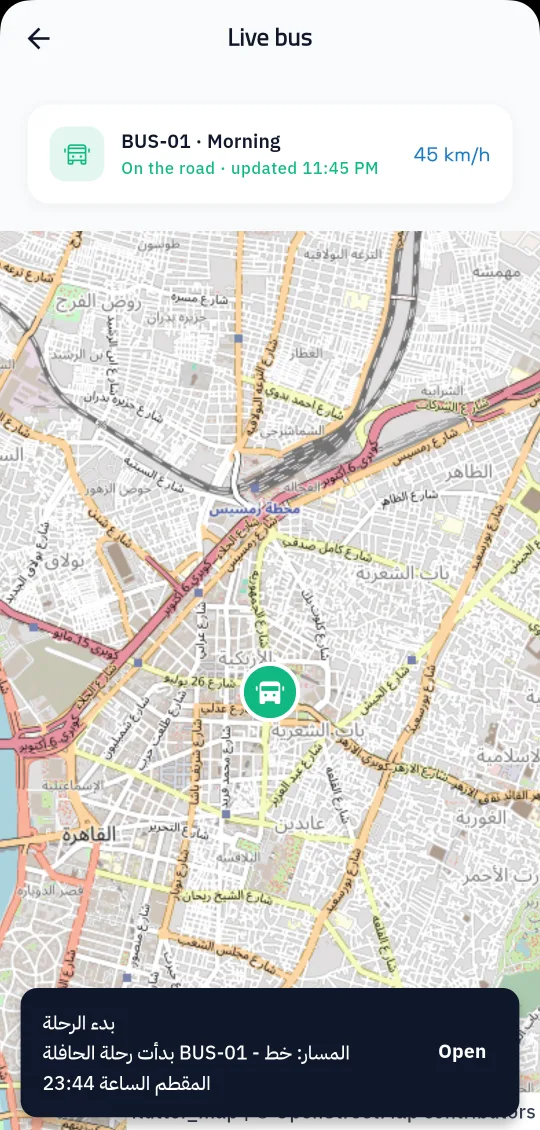
When the school turns on buses, the clinic and the library, they appear in the app too: parents follow the bus on the map during the trip, and see their child's clinic visits and borrowed books. From the same app they message their child's teachers and the administration, send an absence excuse with the document it needs, and get a phone notification the moment something new happens.
And links the parent's children at the school in the admin panel.
From Google Play or the App Store, then enter the school code, username and password.
Choose a child, open what they need, and get a notification for anything new.
Students see today's lessons, homework and marks in the Prima Schools app, hand in homework and take online exams from their phone, and message their teachers.
Learn More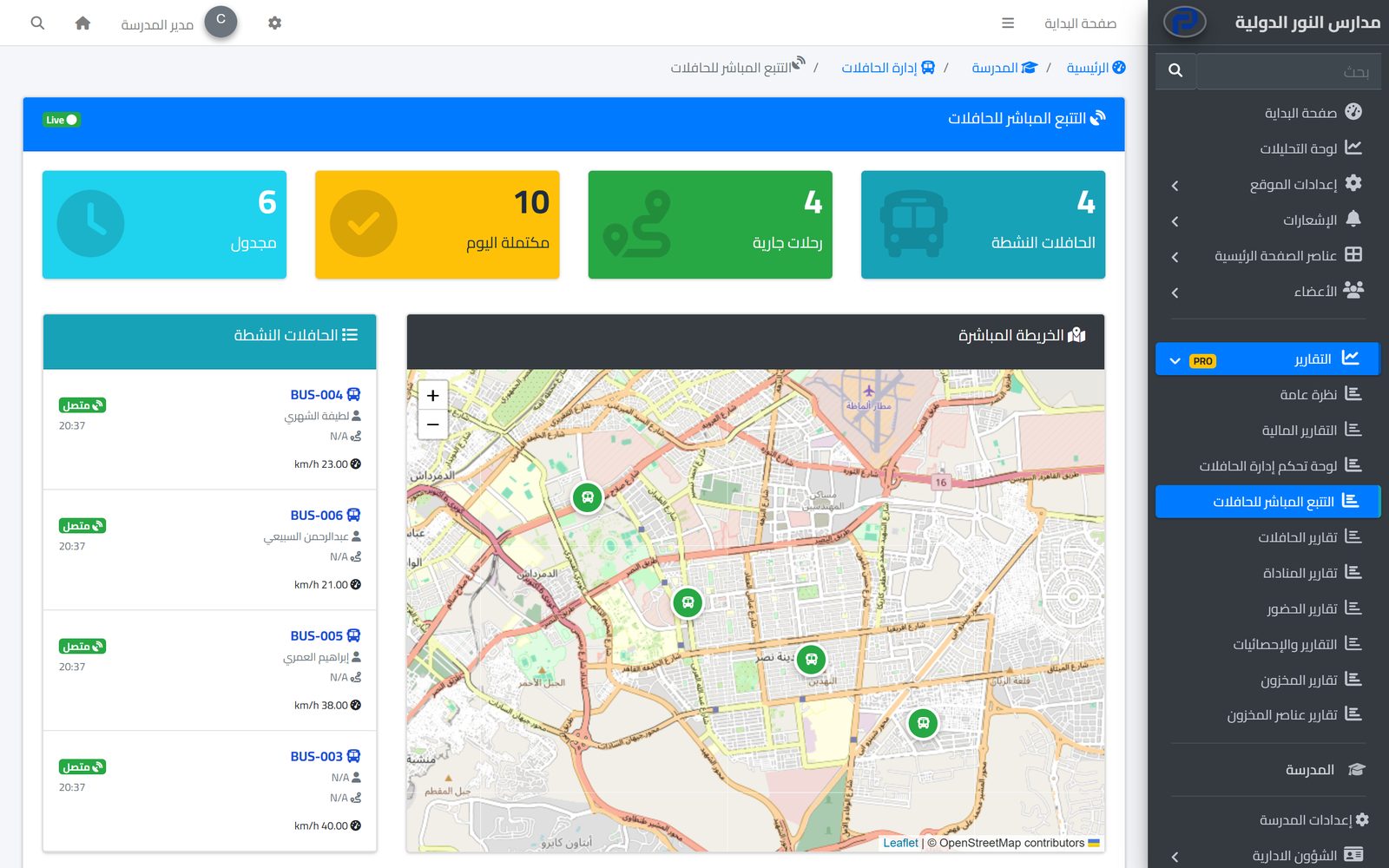
Parents follow their child's bus on the map in real time and hear when they board and get off, while the school runs buses, routes and maintenance in one place.
Learn More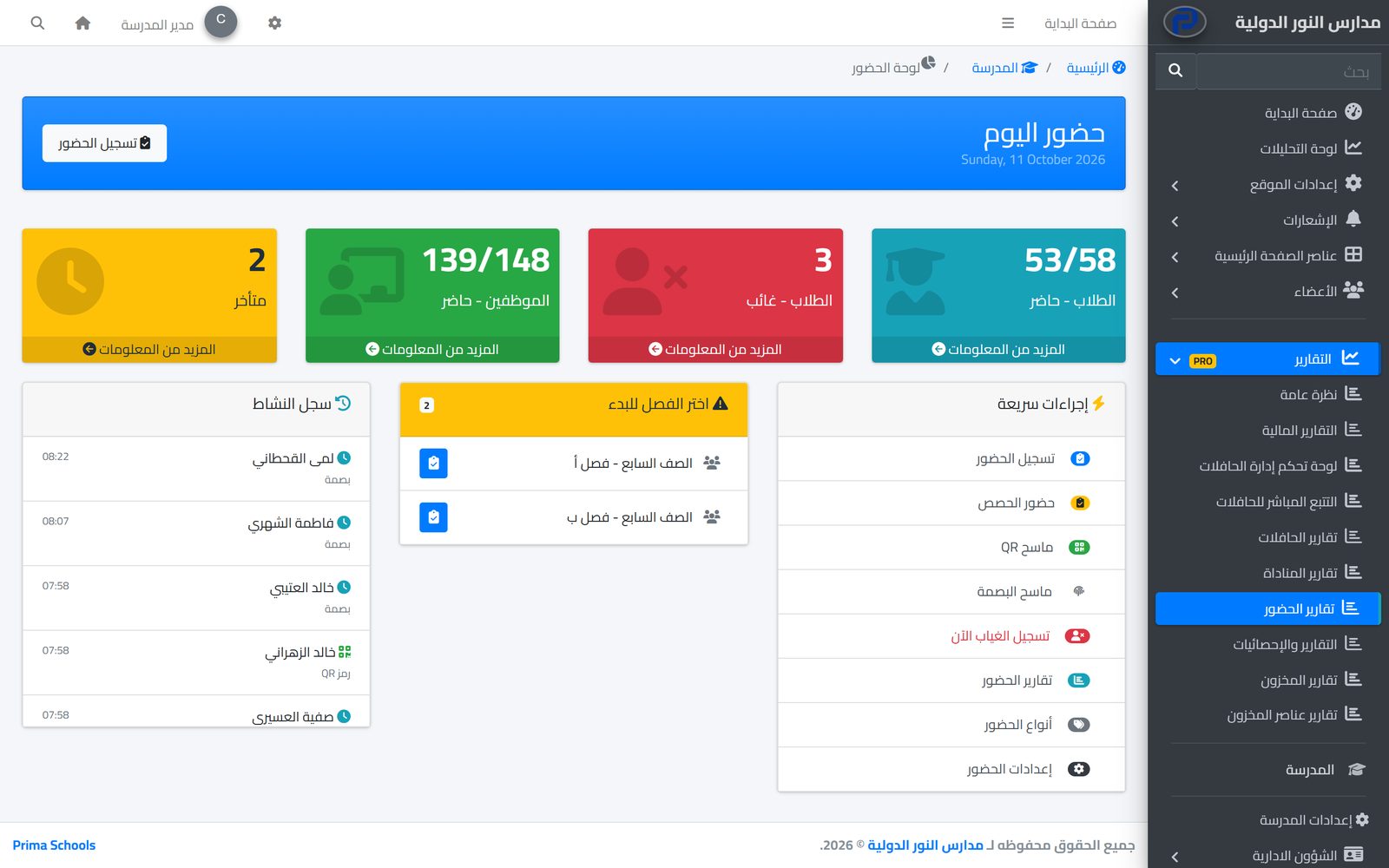
Take attendance in a minute from a phone or the admin panel, and parents hear about an absence the same day.
Learn MoreYes, Prima Schools is on the App Store and Google Play. Students use the same app.
Yes, each child linked to the parent account at the school has a card, and parents switch between them with a tap.
They enter the school code first, then the username and password the school gives them. If they forget the password, the school office resets it.
Yes, when the school uses bus management and the child has a bus subscription: they see the bus on the map during the trip and get a notification at each step.
The app shows the services in the school's package and add-ons, such as buses, the clinic, the library and seat numbers.
Yes, and parents can switch language in the app.
Create your account and start a trial, or book a live demo with our team.



