Pay structures per job
A pay structure for each job type, such as teacher or administrator, used to build each employee's salary.
Base pay, allowances and deductions for every employee, a monthly payroll run for everyone at once, and payslips staff see on the school website.
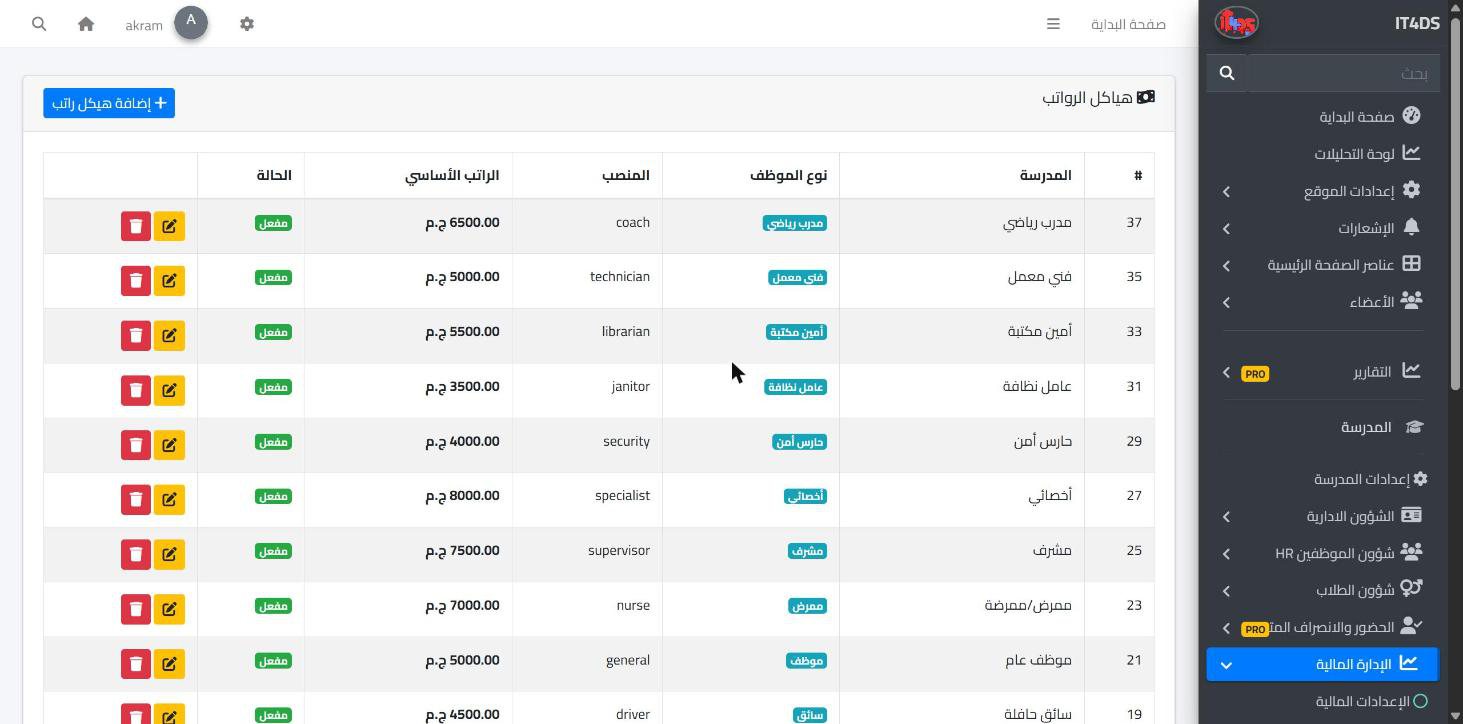
Payroll is a monthly job with no room for mistakes: every teacher and employee expects the right amount on time. In Prima Schools each employee's pay is set once: base salary, housing, transport and other allowances, and insurance, tax and other deductions, with start and end dates.
At the end of the month the administration picks the month, payment date and method, and the salaries of all active employees are paid in one run; anyone already paid for that month is skipped so nobody is paid twice. Each payment has a payslip showing base pay, allowances, deductions and net pay, ready to print.
Every employee sees their pay details and past payslips from their account on the school website without asking the office. Paid salaries appear in school expenses in the financial reports, with payroll lists filtered by month and status and exported to Excel and PDF.
Base pay, allowances and deductions for each employee, on their job's structure.
Pick the month, payment date and method, and all active employees are paid.
Staff see their payslips, lists are exported, and the cost shows in the financial reports.
A file for every teacher and employee with their qualifications, job and permissions, and the job itself decides which screen they see in the Prima Staff app.
Learn More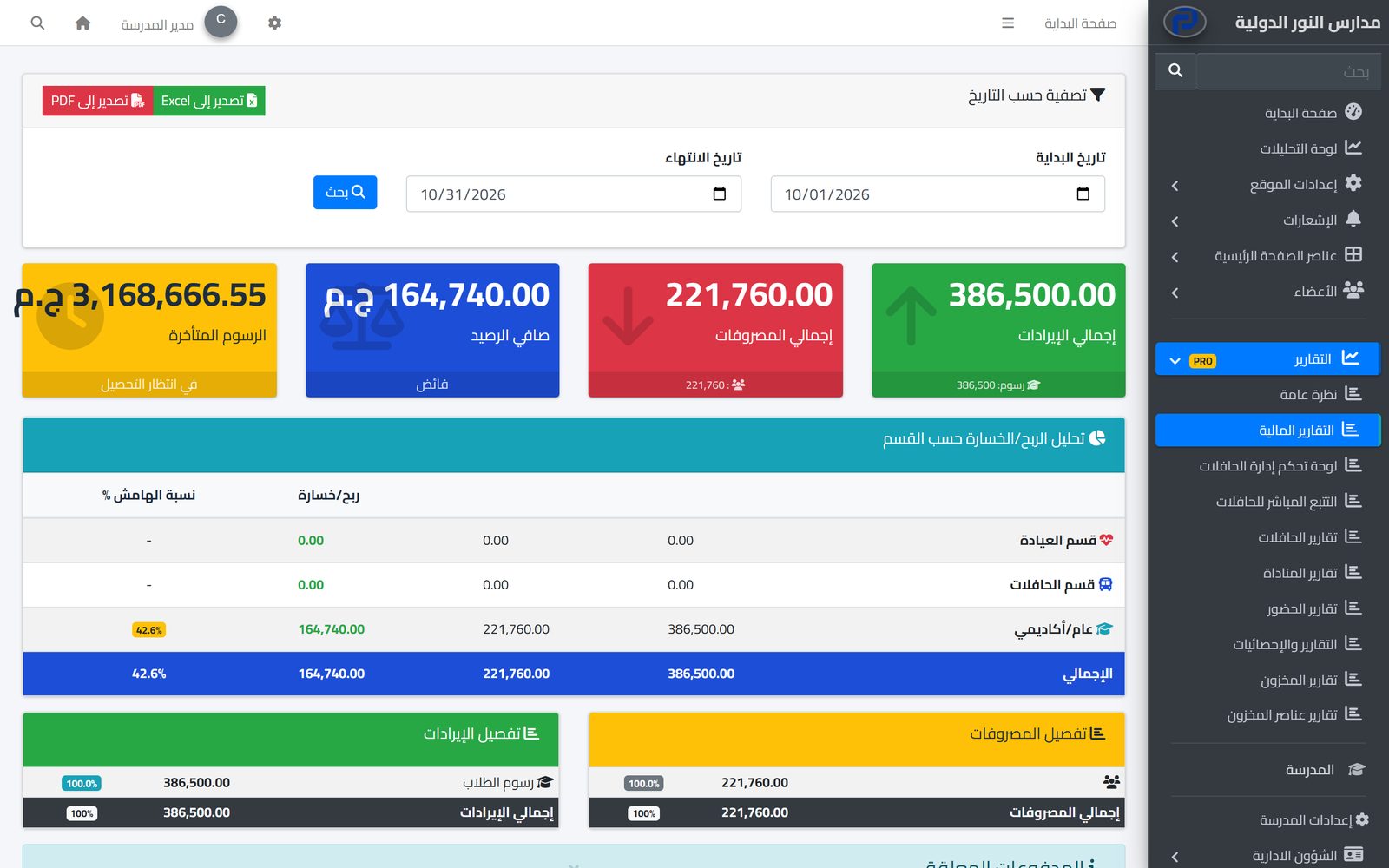
Set fees per stage and grade, apply discounts with approval, issue invoices and record payments, while parents see their children's invoices on the school website.
Learn More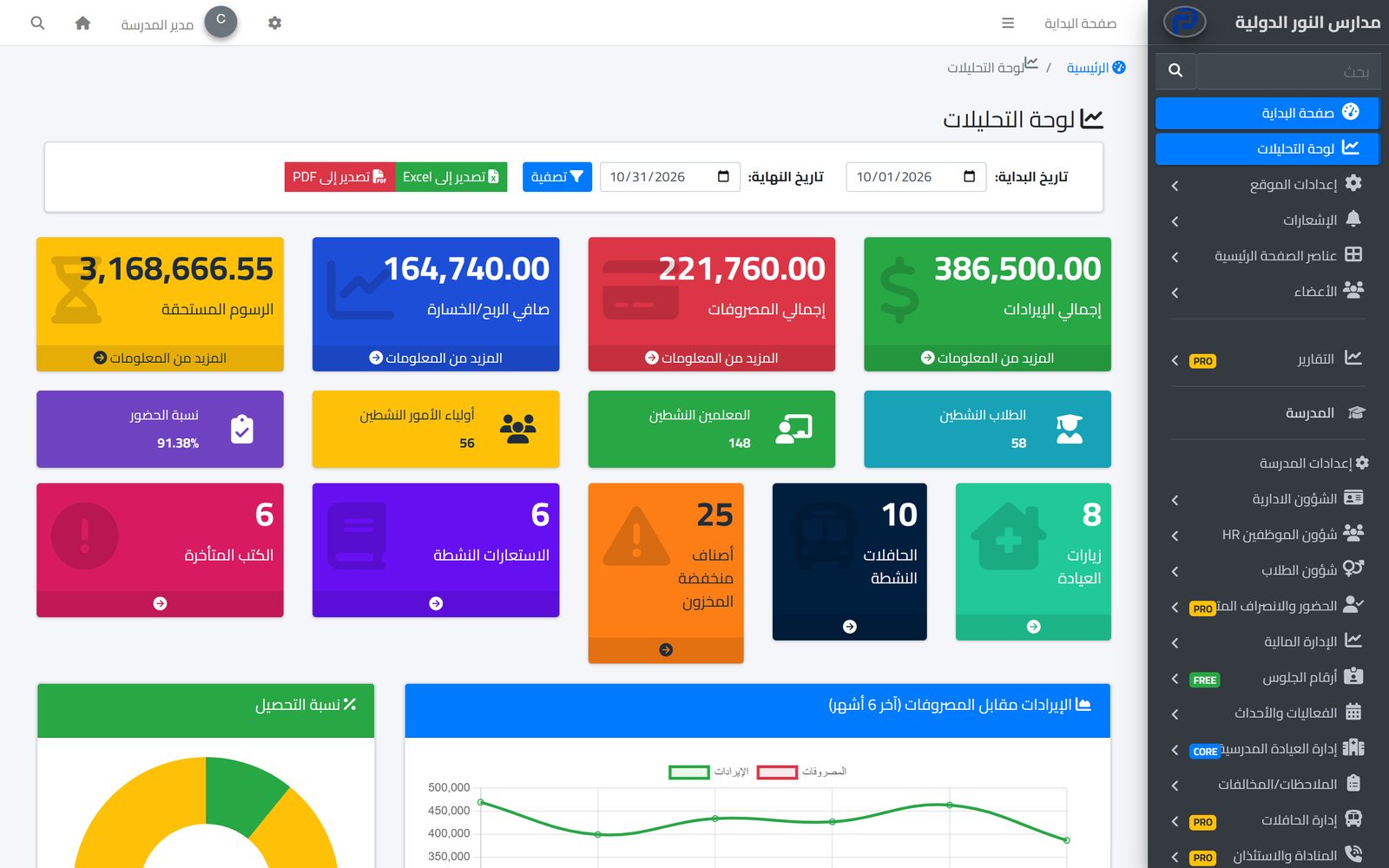
An analytics dashboard with the school's key figures, and ready reports for every department, filtered by date and exported to Excel and PDF.
Learn MoreYes. Choose the month, payment date and method, and all active employees are paid in one run.
The run skips them, so nobody is paid twice.
Yes: housing, transport and other allowances, insurance, tax and other deductions, plus extra components as a fixed amount or a percentage.
Yes, from their account on the school website, including past payslips.
Yes, to Excel and PDF, after filtering by month and status.
Create your account and start a trial, or book a live demo with our team.

