Supplier records
Each supplier's details in one place, shared by purchasing and inventory.
Numbered purchase orders, supplier invoices and payments, and a clear balance owed to each supplier, all reflected in the school's financial reports.
All year a school buys stationery, cleaning supplies, spare parts and equipment, and the paperwork often ends up spread across offices, so nobody knows exactly what was ordered, what arrived and what is still owed. In Prima Schools every purchase starts with a purchase order that gets its own number, lines, prices, tax and shipping, and its status is followed until delivery.
When the supplier's invoice arrives it is recorded with its number and due date, can be linked to the purchase order, and its scan attached. Payments to the supplier are then recorded by cash, transfer or another method, and the balance due on the invoice updates by itself, so what was paid and what remains is always clear.
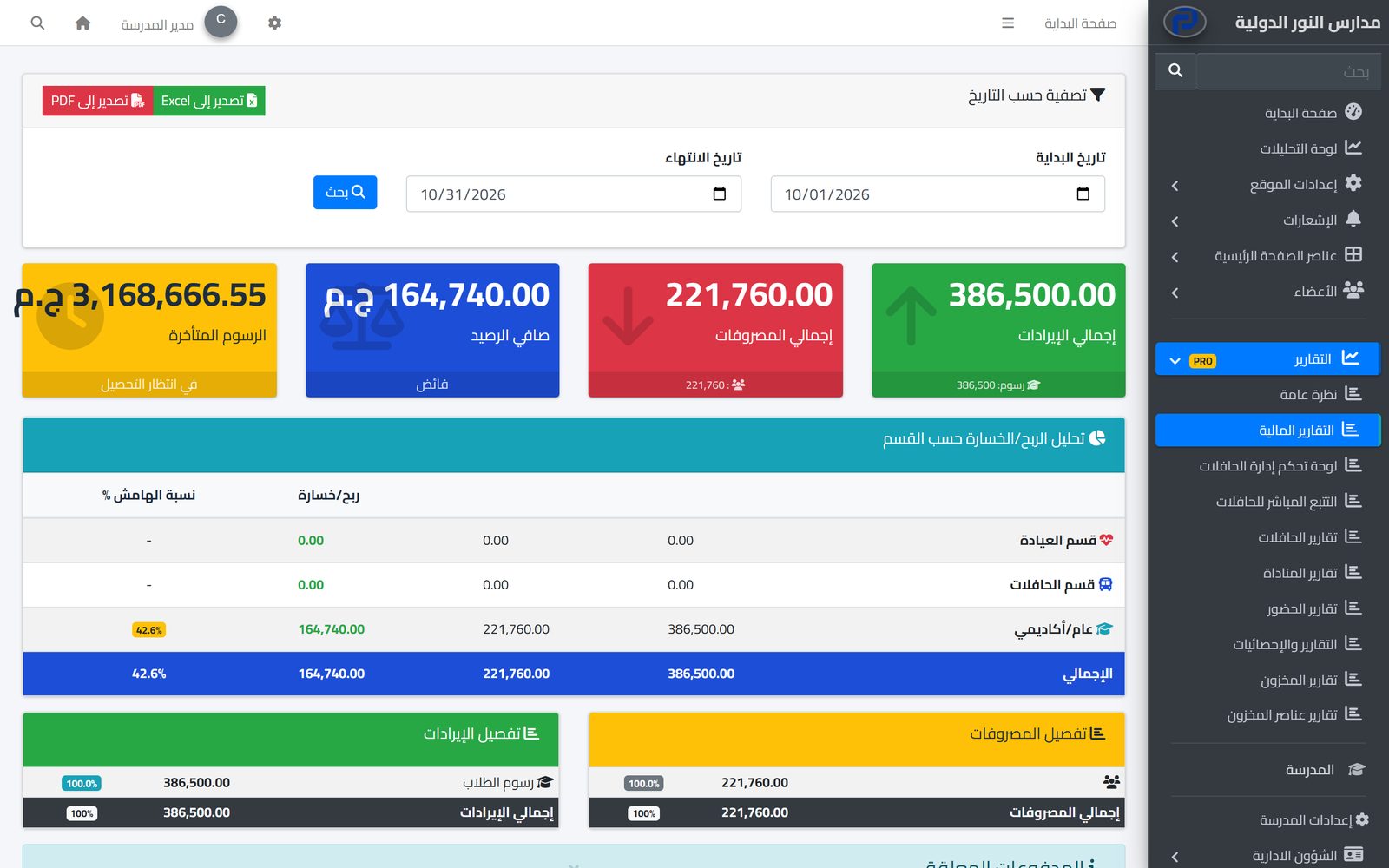
All of this shows in the financial reports: supplier payments in expenses, unpaid supplier invoices, an alert for overdue ones, and the suppliers with the highest spending in the period. Permissions decide who creates purchase orders, invoices and payments, and who can only view them.
With their details, so they appear in purchasing and inventory alike.
With lines and prices, and update its status until delivery.
The balance due updates, and the expenses show in the financial reports.
Know what is in the school's stores, where it is and what is running low, and hand out supplies through requests approved by the person in charge.
Learn More
Set fees per stage and grade, apply discounts with approval, issue invoices and record payments, while parents see their children's invoices on the school website.
Learn More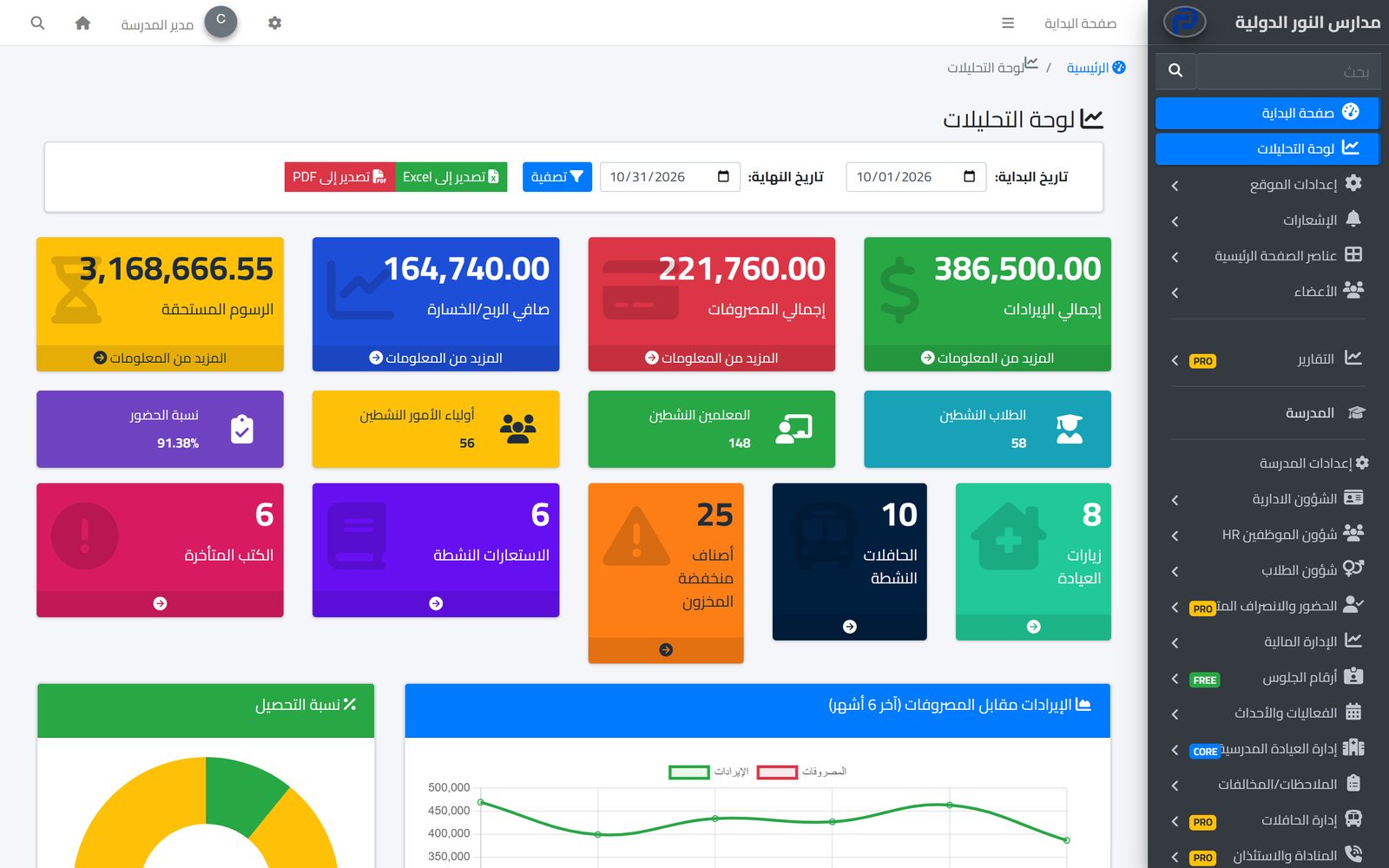
An analytics dashboard with the school's key figures, and ready reports for every department, filtered by date and exported to Excel and PDF.
Learn MoreNo. This page covers purchasing and suppliers: purchase orders, supplier invoices, supplier payments, and income and expense reports.
Yes. When recording the invoice you pick the related purchase order, if there is one.
Yes. Each payment is recorded on its own and the balance due on the invoice updates after each one.
The financial reports list unpaid supplier invoices and flag those past their due date.
Yes, from the purchase order page with its lines and totals.
Yes. There is one supplier list, and purchase order lines can be picked from inventory items.
Create your account and start a trial, or book a live demo with our team.

