Installed without a store
The portal installs on the phone's home screen or on a computer straight from the browser.
Student, parent and teacher portals and the admin panel install on a phone or computer as an app, and school notifications reach them instantly.
Next to the Prima Schools and Prima Staff apps in the stores, the school website itself offers an app-like experience with nothing to download from a store. With the PWA add-on, the student, parent and teacher portals and the administration's admin panel become apps installed on the phone's home screen or on a computer.
Each portal has its own app with its own name, icon and colour, so students and parents open their portal straight from the home screen in a full window with no browser bar. The app keeps its core files to open faster, and shows a clear page in Arabic or English when the connection drops instead of an error.
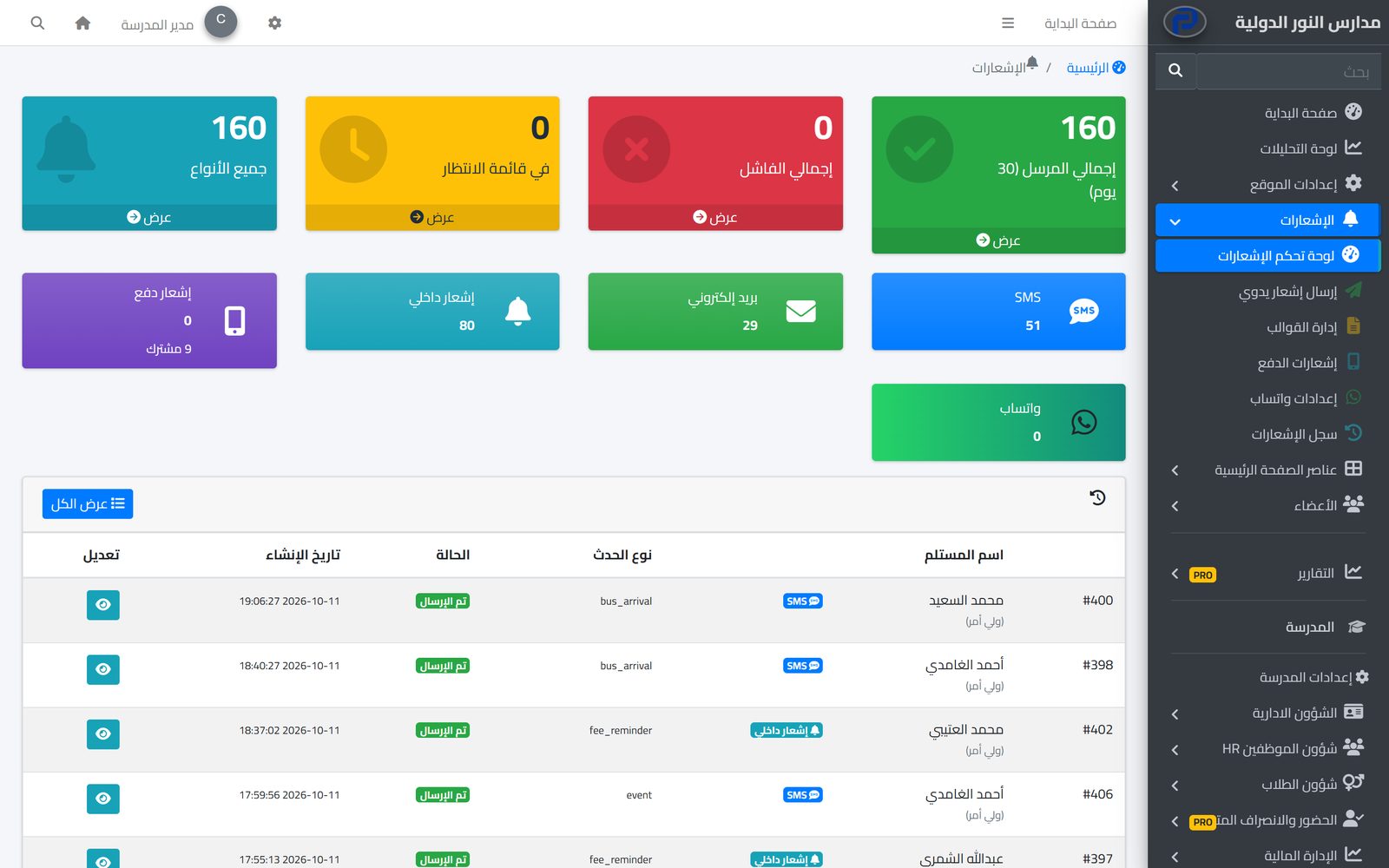
With it come browser push notifications: users allow notifications once and school notices reach their device even when the website is closed. The school can send to one user or to a whole group, such as all parents, and follow subscribers, sent and failed notifications in the admin panel.
Then switch on the PWA and notifications in the admin panel settings.
From the browser on a phone or computer, and allow notifications.
And the school follows subscribers and delivery in the admin panel.
The system tells students, parents and staff about everything that concerns them in the apps and by SMS, email and WhatsApp, from one centre with editable templates and a full log.
Learn MoreParents follow their children's attendance, homework, marks and school bus on their phone in the Prima Schools app, message their teachers and send absence excuses without a trip to school.
Learn MoreOne app for school staff that opens the screens each person's job needs: teacher, administration, supervisor, bus driver, nurse, librarian and gate staff.
Learn MoreThe Prima Schools and Prima Staff apps are downloaded from Google Play and the App Store; the PWA installs straight from the school website with no store.
Android phones and iPhones from the browser, and computers.
Yes, once the user has allowed notifications in the browser.
Yes. Send to one user, to a whole group such as parents, or to everyone.
A clear page in Arabic or English tells the user the connection is lost, instead of an error page.
It is an add-on turned on for the school; its status and price are shown on the pricing page.
Create your account and start a trial, or book a live demo with our team.
