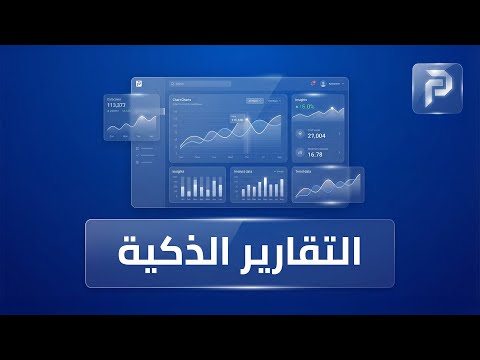
Analytics dashboard
Income, expenses, net balance, fees due, collection rate and attendance on one page, with a date filter.
An analytics dashboard with the school's key figures, and ready reports for every department, filtered by date and exported to Excel and PDF.
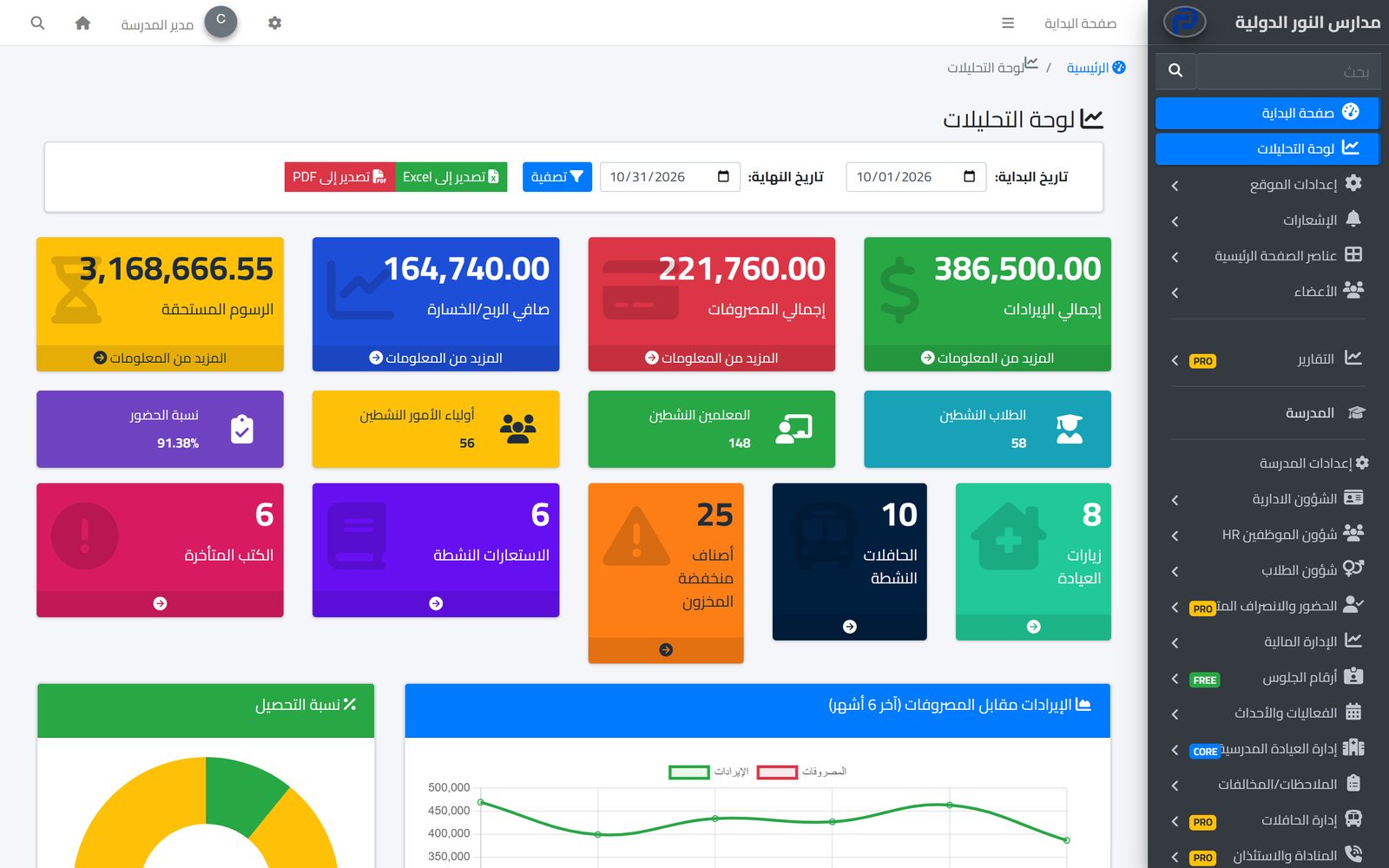
School leaders need clear numbers to decide: how much of the fees has been collected, what is the attendance rate, where does the money go? In Prima Schools the analytics dashboard puts these on one page: income, expenses, net balance and fees due, active students, teachers and parents, attendance rate, and income against expenses over the last six months.
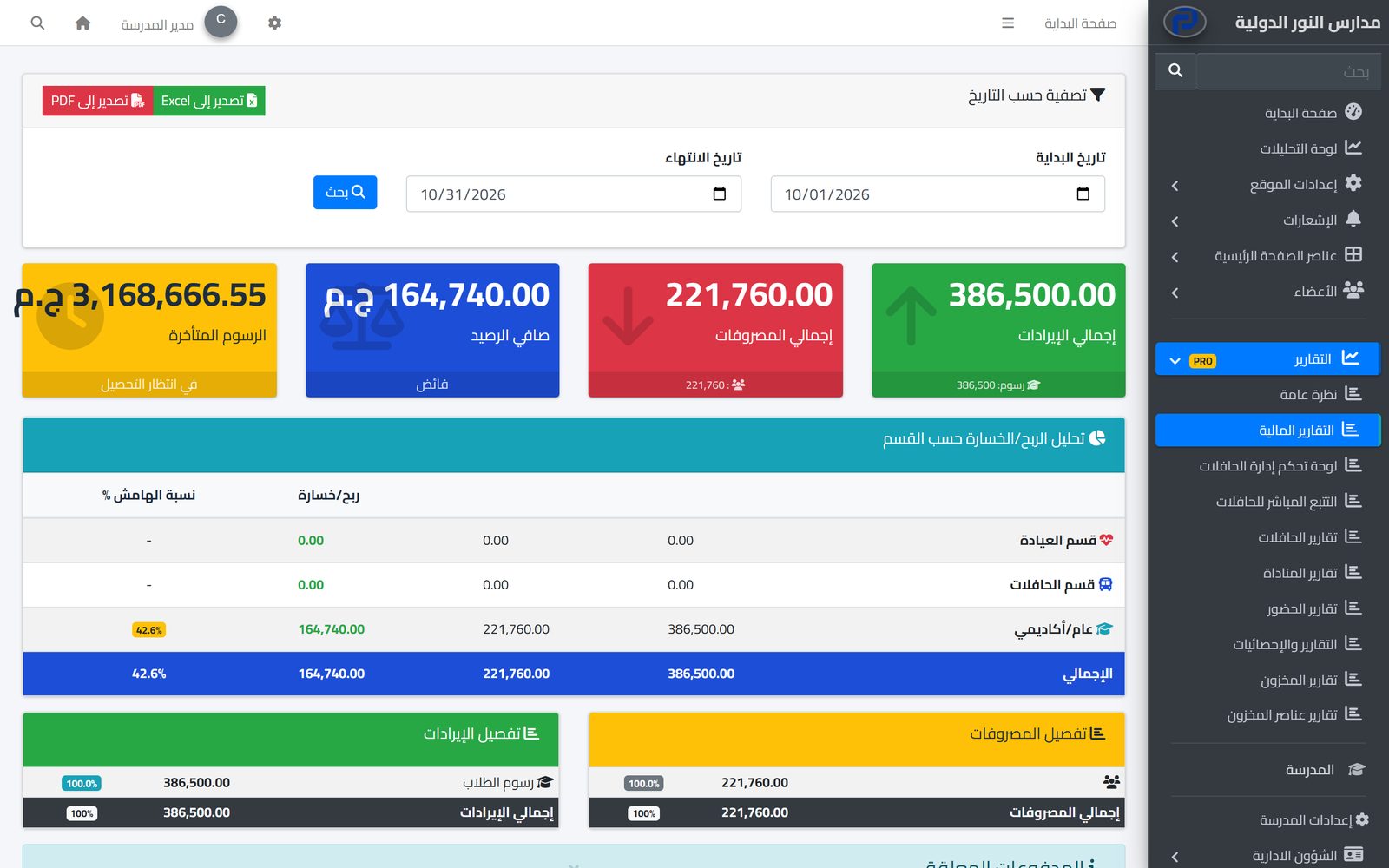
Each department has its own ready reports: financial reports, attendance reports, bus reports from usage and driver performance to fuel and maintenance costs, and clinic, inventory, library and pickup reports. Reports are filtered by the period you choose and exported to Excel and PDF to print or take to board meetings.
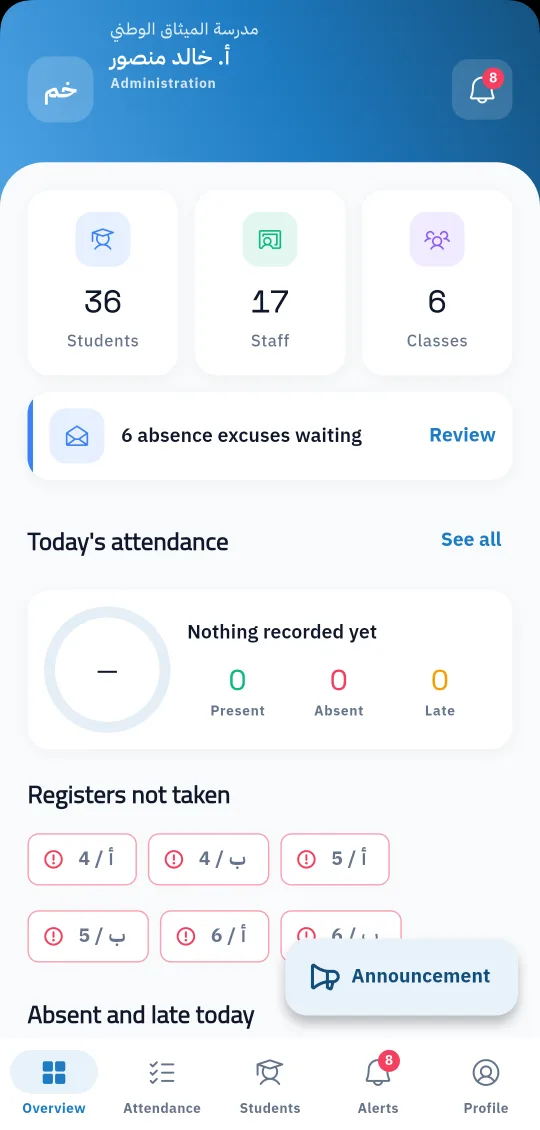
The everyday lists departments need also export: students, teachers, fees, payments, payroll and bus attendance. On the phone, the principal sees today's attendance, classes with no register yet and absent and late students in the Prima Staff app. The reports available are the ready reports in each department; the system does not currently include a tool for designing custom reports.
Attendance, fees, buses, clinic and inventory are recorded where they happen.
And choose the period you want.
To Excel or PDF to print or take to meetings.
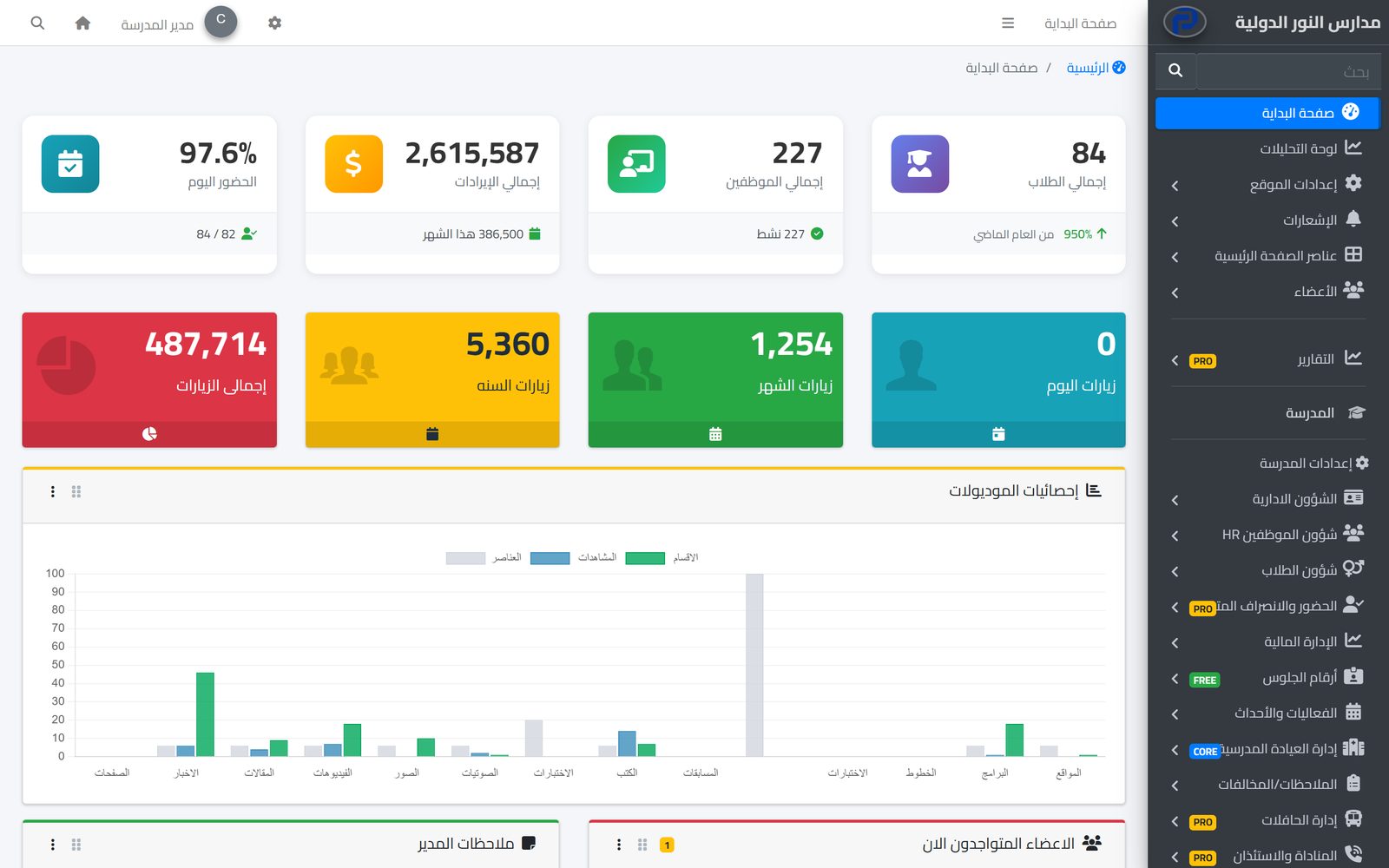
A clear picture of your school on one page: students, staff, revenue and attendance, with an analytics dashboard you can export to Excel and PDF.
Learn More
Set fees per stage and grade, apply discounts with approval, issue invoices and record payments, while parents see their children's invoices on the school website.
Learn More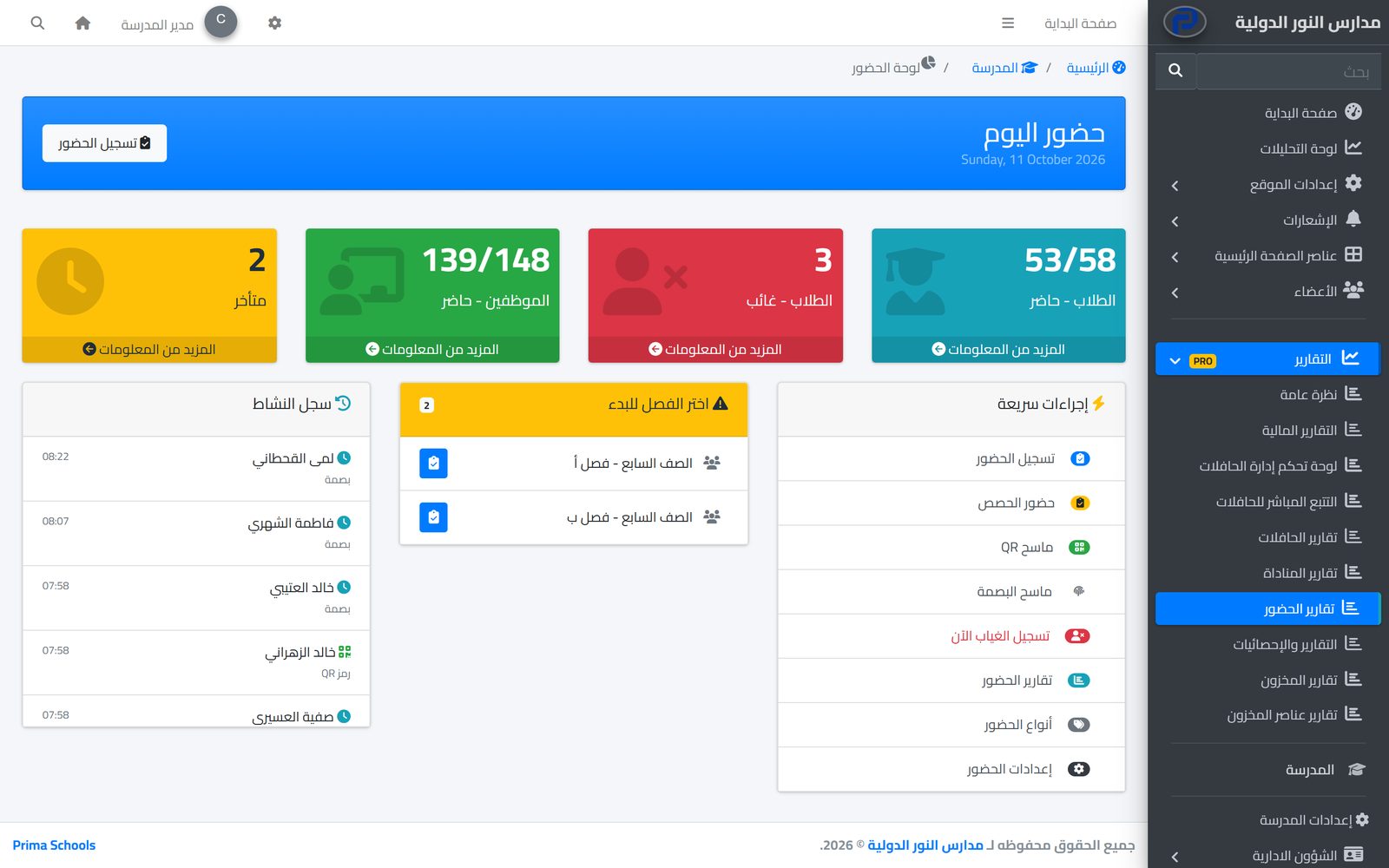
Take attendance in a minute from a phone or the admin panel, and parents hear about an absence the same day.
Learn MoreReady reports for each department: finance, attendance, buses, clinic, inventory, library and pickup, plus the analytics dashboard.
Yes, to Excel and PDF, as can lists of students, teachers, fees, payments and payroll.
Yes. You choose a start and end date on the analytics dashboard, the financial reports and others.
The system does not currently include a report designer; the ready reports in each department come with filters and export.
Prima Staff shows a daily summary: attendance, classes with no register yet, and absent and late students.
Create your account and start a trial, or book a live demo with our team.