Unlimited user groups
The administration creates the groups it needs, such as finance, student affairs or the front office, and switches them on or off.
Everyone sees what their job needs and does only what they are allowed to: unlimited user groups, a permission for each action, and approvals for financial operations.
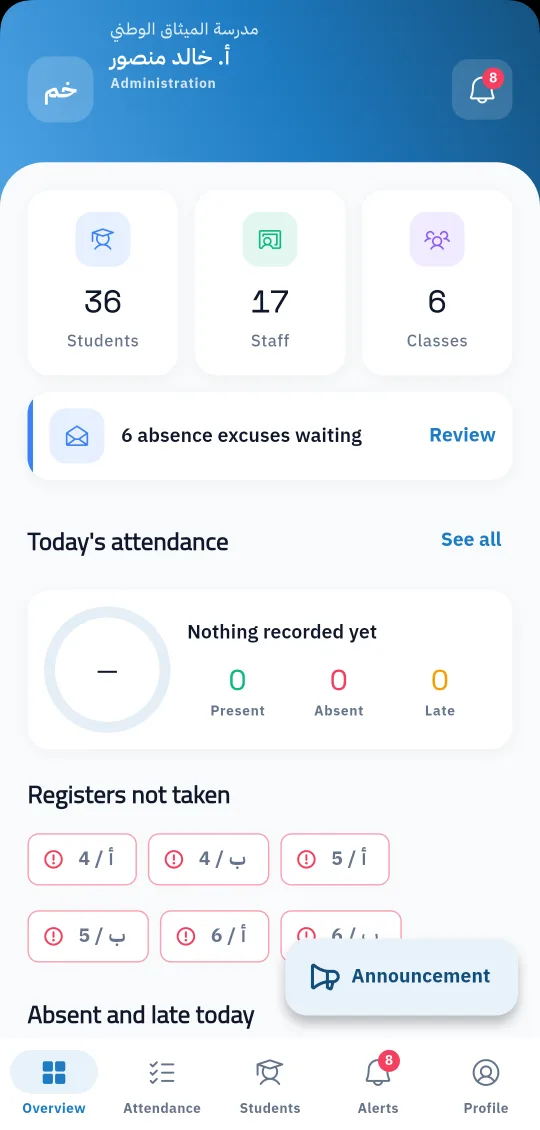
A school has dozens of users in different roles: principal, deputy, accountant, secretary, teacher, driver, nurse and librarian. Not all of them should see everything or change everything. In Prima Schools the administration creates the user groups it needs and sets exactly what each group may do.
Permissions are not just a module switched on or off. They are set for each action on its own: view, add, edit, delete, export and approve, in every module and add-on of the system. If a user tries an action they are not allowed, the system refuses it even when they open the link directly.
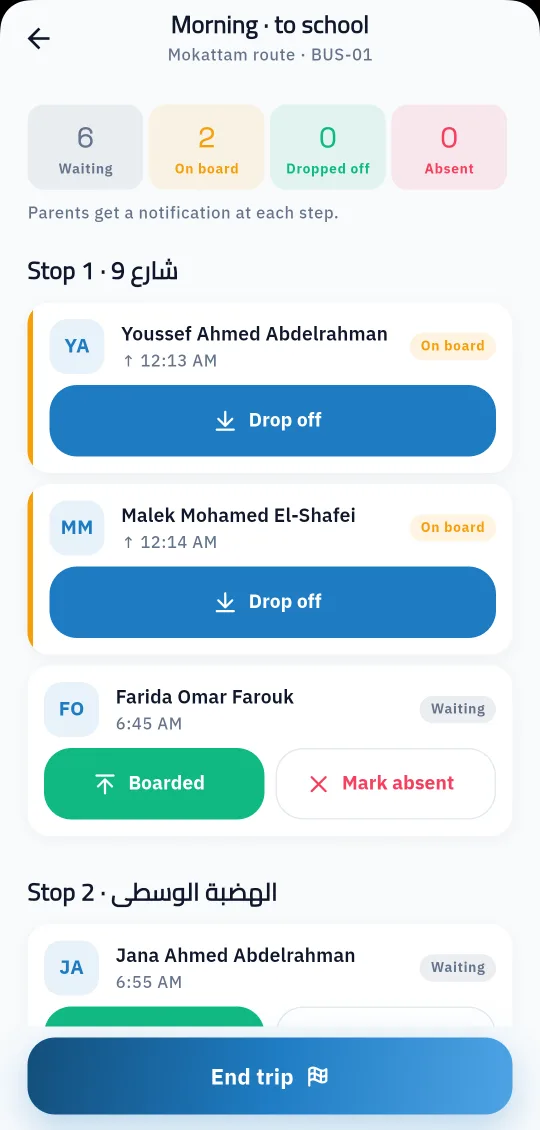
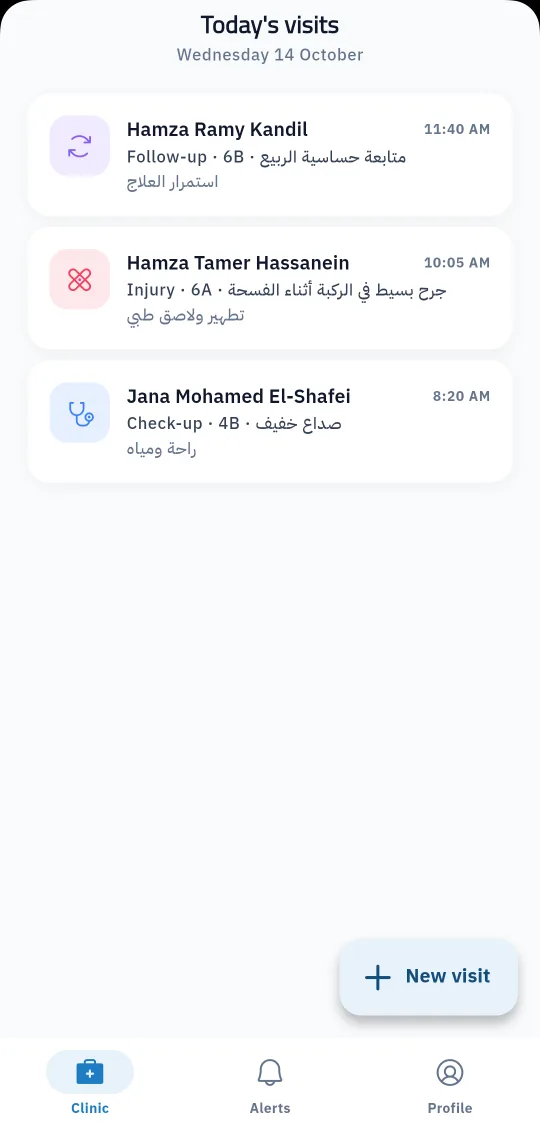
Sensitive financial operations go through approval: student discounts, purchase orders and payment verification. For staff, each person's job in the system decides the screens they get in the Prima Staff app: teacher, administration, supervisor, driver, nurse, librarian and gate staff, each in their own screen.
Matching the roles in your school.
For each module and each action.
And set each staff member's job so their screen appears in the app.
One app for school staff that opens the screens each person's job needs: teacher, administration, supervisor, bus driver, nurse, librarian and gate staff.
Learn MoreEach school's data in its own database, app sign-in with tokens unique to each school, an admin activity log and regular backups.
Learn More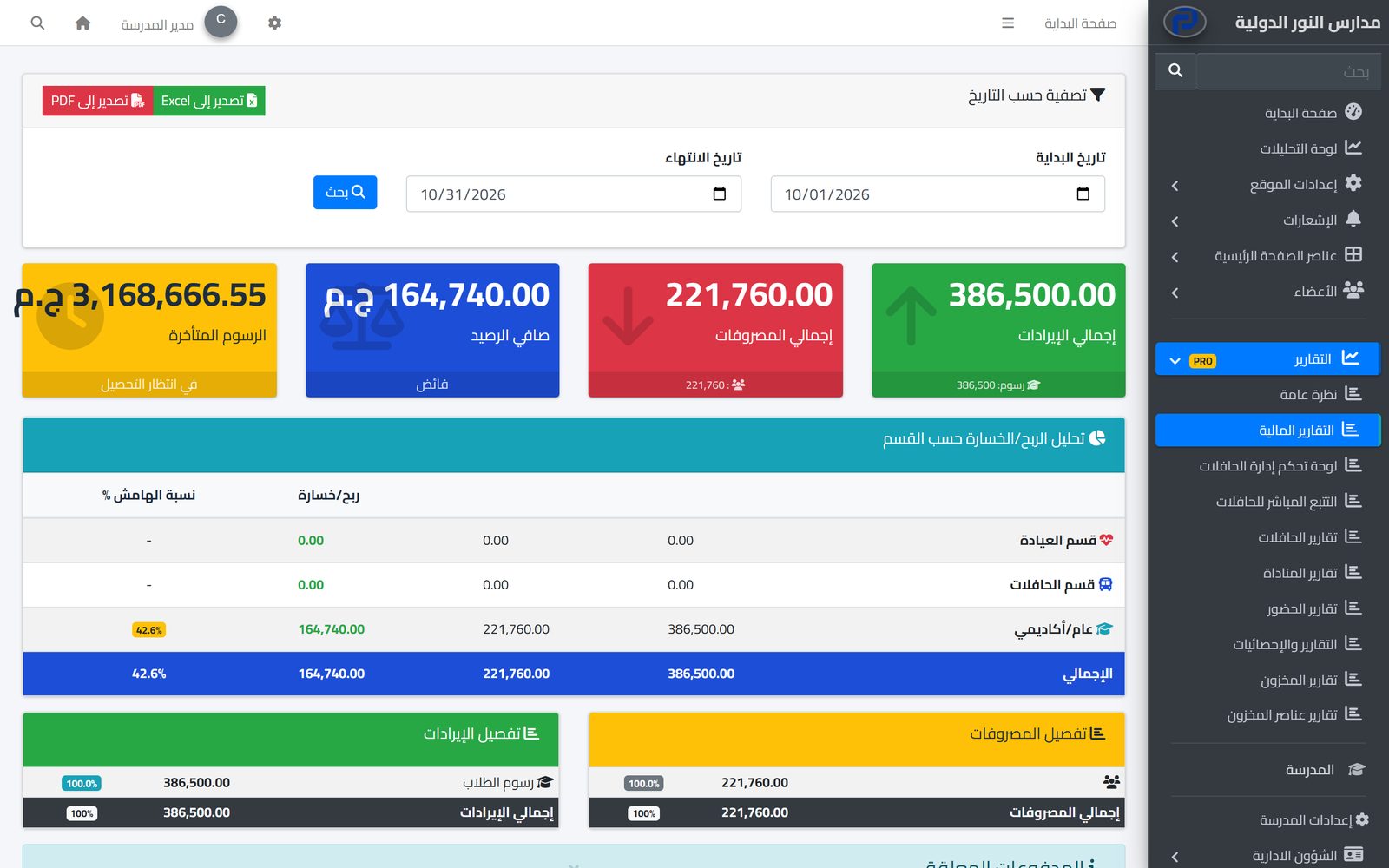
Set fees per stage and grade, apply discounts with approval, issue invoices and record payments, while parents see their children's invoices on the school website.
Learn MoreThere is no limit; the administration creates the groups it needs.
Yes. Permissions are set per action: view, add, edit, delete, export and approve.
Student discounts, purchase orders and payment verification, as well as absence excuses and early-leave requests.
From the staff member's job in the system, and from their link to buses or the clinic.
Yes. The system logs the pages and actions each user opened in the admin panel with time and IP address; it does not keep the old and new value of each field.
Not at the moment. Permissions are set by user group and action.
Create your account and start a trial, or book a live demo with our team.

