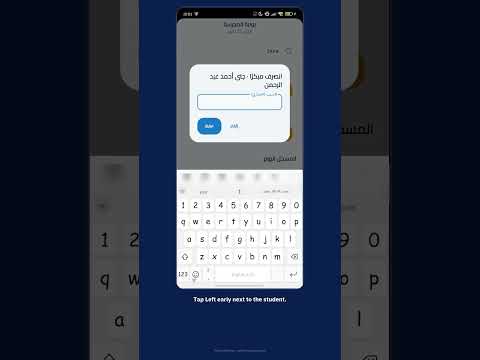
The gate screen in Prima Staff
Shown to security staff, supervisors and the administration by job type, with no extra devices.
Gate staff record a late arrival or early leave on their phone in seconds; parents are told and it goes into the student's attendance.
Every morning the gate sees the same scenes: a student arriving late, another leaving early with a parent, and names written in a notebook that may never reach the office. In Prima Schools gate staff have their own screen in the Prima Staff app, where they find a student by typing two letters of the name and see today's status before recording anything.
One tap records a late arrival with the arrival time, or an early leave with the leave time and a reason if there is one, and the parent is told at that moment according to their notification settings. If the button is tapped twice, the first time is kept and the notice is not sent again.
What is recorded at the gate goes into the student's attendance for the day, so it shows in attendance reports and parents see it as late or early leave in the Prima Schools app. The screen lists all of today's late arrivals and early leaves, and supervisors can add behaviour notes from the same app.
With the right job type, so the gate screen appears for them in Prima Staff.
A late arrival or early leave, after finding the student.
At that moment, and the case shows in today's list and the attendance reports.
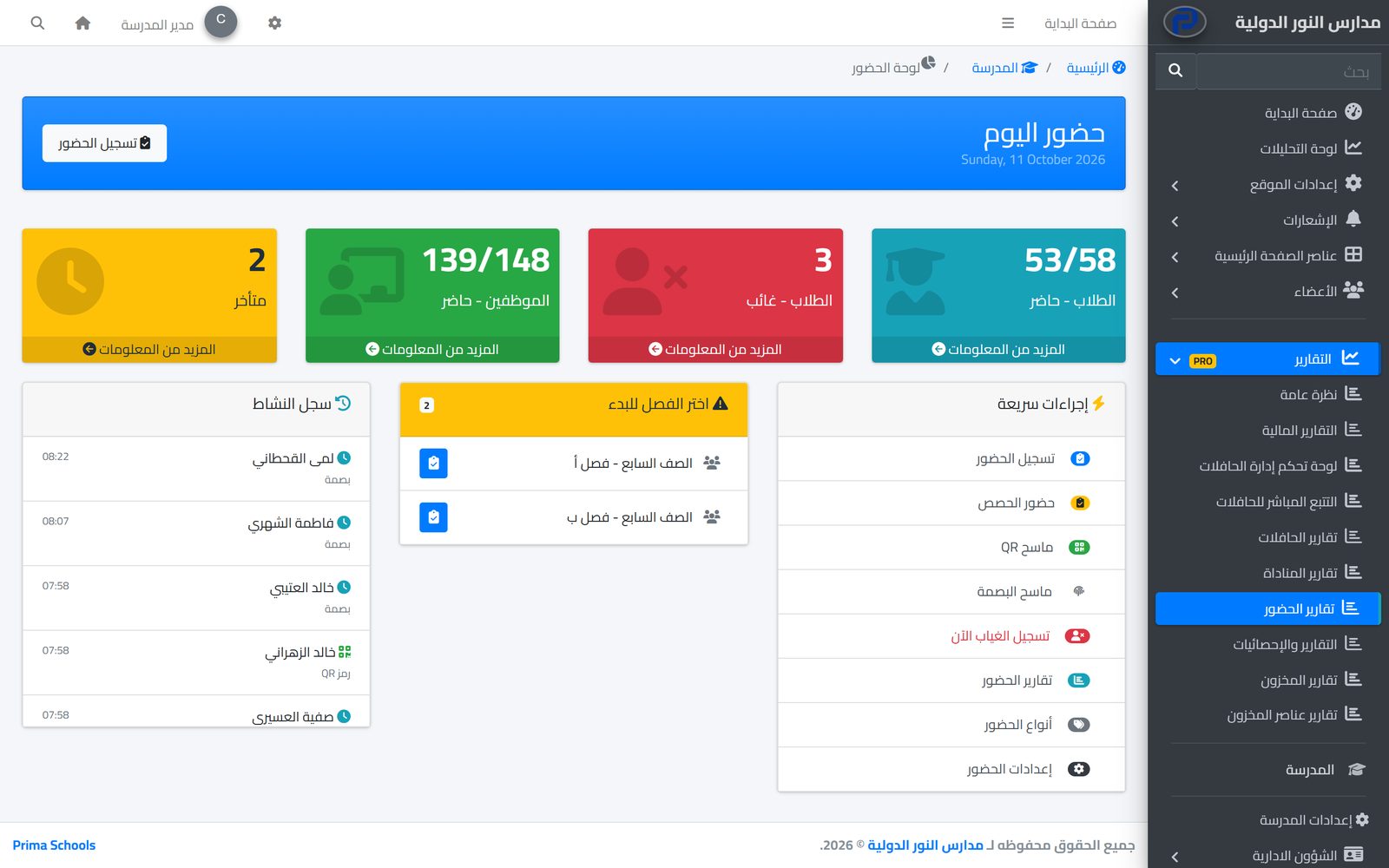
Take attendance in a minute from a phone or the admin panel, and parents hear about an absence the same day.
Learn MoreParents ask for their child to be called for pickup or to leave early through the parent portal; the school approves and everyone is told at the same time.
Learn MoreOne app for school staff that opens the screens each person's job needs: teacher, administration, supervisor, bus driver, nurse, librarian and gate staff.
Learn MoreSecurity staff, supervisors and the administration, depending on their job type at the school.
Yes. They get a notice at that moment with the leave time, according to their notification settings.
Yes. Staff write the reason when recording it, and it is kept in the student's record for the day.
Yes. It is added to the student's attendance for the day and shows in reports and in the parent app.
No. The gate screen covers students' late arrivals and early leaves only.
Create your account and start a trial, or book a live demo with our team.