Automatic numbering
Seat numbers for chosen stages, grades and classes in one go, in order or at random.
Exam seat numbers generated automatically and spread across rooms, with students and parents seeing them in the app.
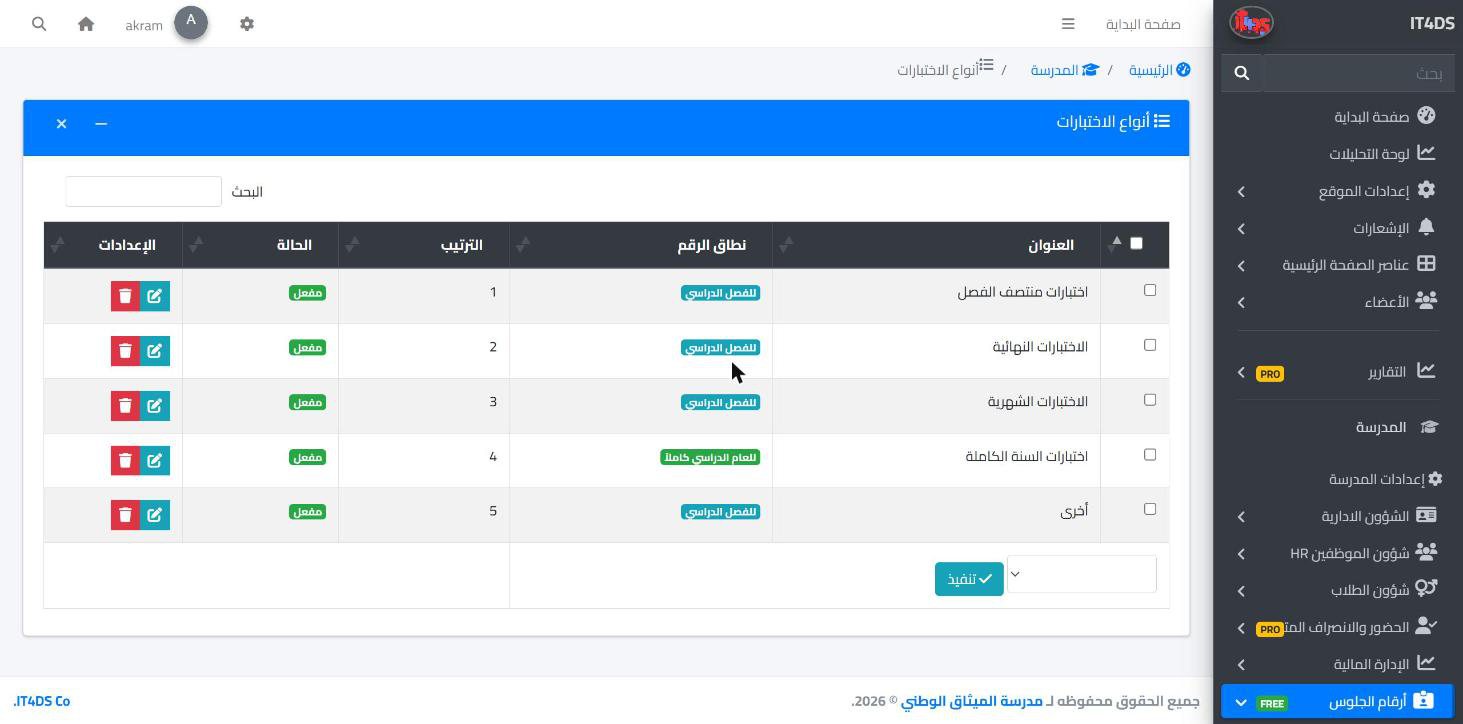
Preparing seat numbers before every exam period is long manual work: numbering hundreds of students, spreading them across rooms, then printing cards and posting lists. The seat numbers add-on in Prima Schools does it automatically: choose the exam type, stages, grades and classes, and the system generates the numbers in order or at random, with a prefix, a number length and a starting number the school sets.
The system spreads students across rooms by the capacity the school sets, with a separate room sequence for each grade, and refuses to add a student to a room that is full. A seat number and room can also be set by hand for a particular student, and the school defines the exam types it needs.
The school controls when the numbers appear: it publishes them per year, term and exam type, with a date to start and stop showing them. Once published, students and parents see the seat number and room in the Prima Schools app, the administration prints seat cards with an optional QR code, exports the lists to Excel and PDF, and archives the numbers when the exam period ends.
Prefix, number length, starting number, numbering order and room capacity.
Choose the exam type, stages, grades and classes; numbers are generated and rooms allocated.
Publish the numbers to students and parents, and print the cards or export the lists.
Yes, for chosen stages, grades and classes, in order or at random, with rooms allocated by capacity.
Yes, students and parents see the seat number and room in the Prima Schools app once published.
Yes, they are published per exam type with start and end dates the school sets.
Yes, ready-to-print cards with an optional QR code, and lists exported to Excel and PDF.
Yes, an add-on switched on for the whole school account, free for a limited time.
Create your account and start a trial, or book a live demo with our team.

