A complete file per student
Personal details, photo, date of birth, address and contacts, with section, stage, grade and class in one file.
One file per student with their details, class, parents and app account, the base for everything the school does each day.
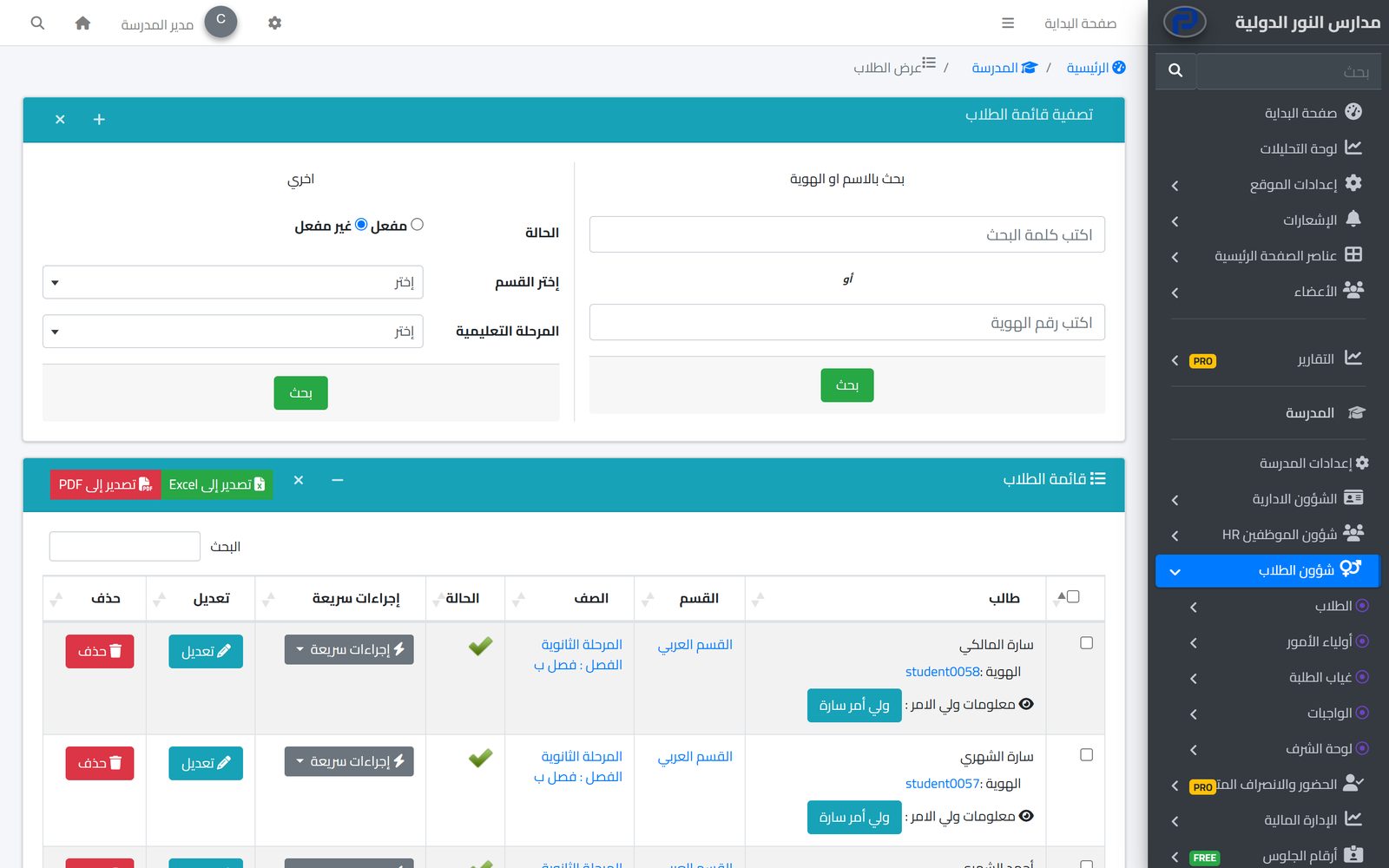
Student affairs is where everything in a school starts: attendance, homework, fees and buses all depend on correct student data. In Prima Schools every student has one file with their personal details, photo, section, stage, grade and class, linked to their parents, so data is never repeated between departments or out of step.
From the same file the student gets an account for the Prima Schools app, and parents get one account to follow all their children. The administration finds any student by name or ID, filters lists by section, stage and status, and exports them to Excel or PDF in one click.
When classes are reorganised, the administration moves a group of students to another class at once instead of editing each file. With the advanced attendance add-on, every student gets a printable QR card with their name, grade and class, used to take attendance by scanning.
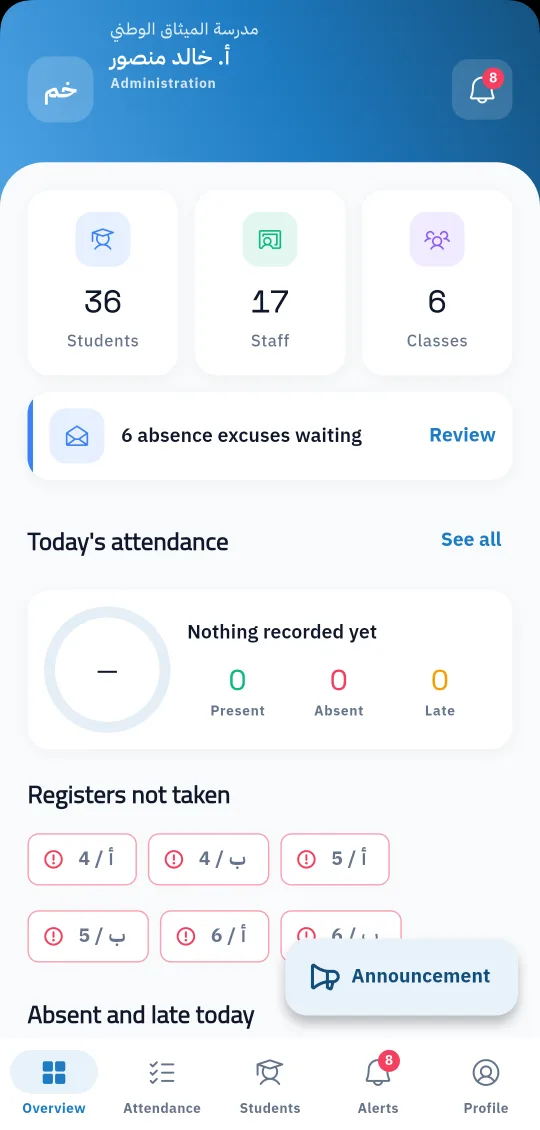
Sections, stages, grades and classes for students to be placed in.
By hand in the admin panel, or with the data migration service from Excel or your current system.
Search and export lists, move students between classes, and print QR cards when needed.
An admission form on the school website that collects parents' applications with attachments, reviewed and answered from the admin panel.
Learn More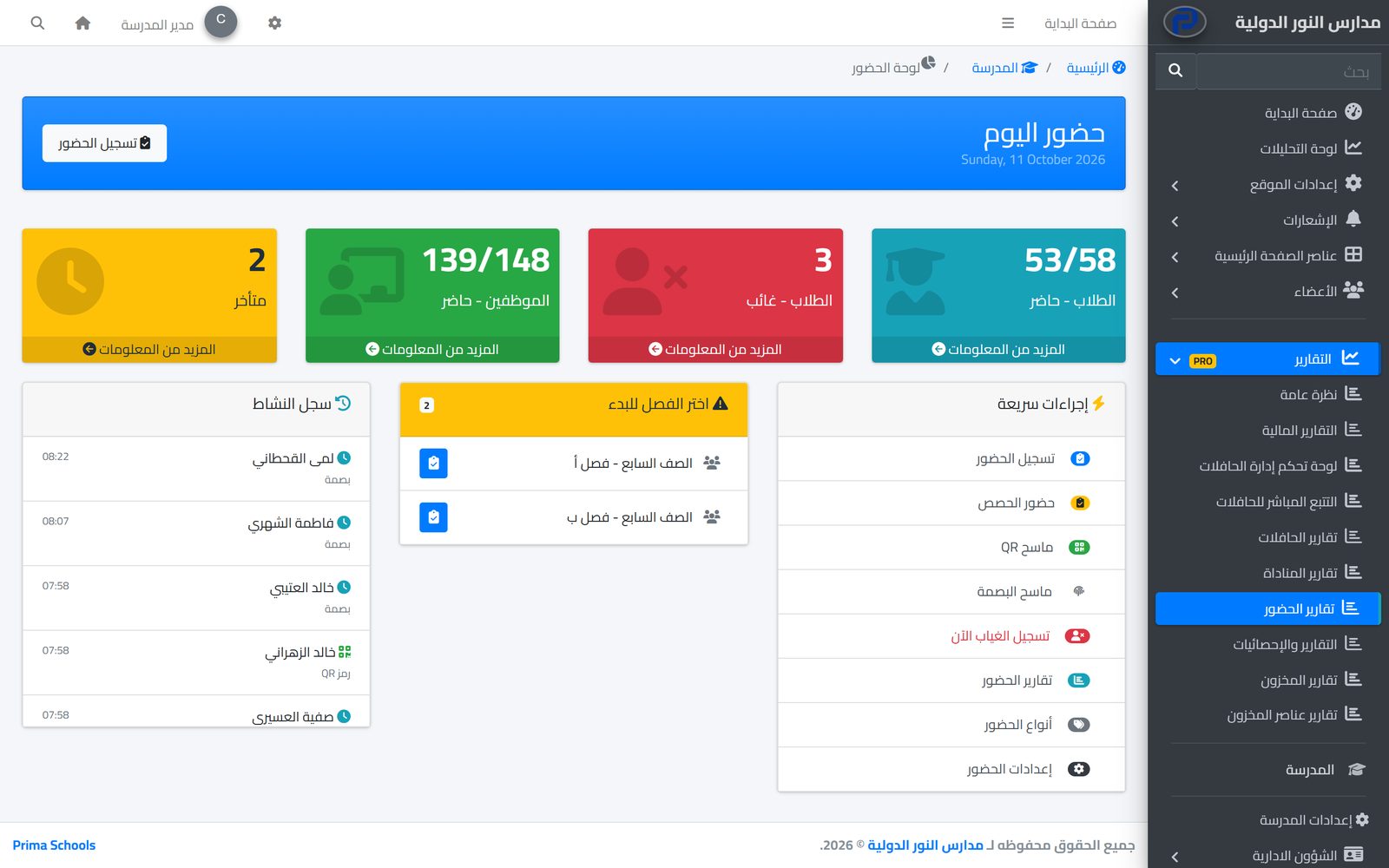
Take attendance in a minute from a phone or the admin panel, and parents hear about an absence the same day.
Learn MorePositive and negative behaviour notes with clear points, written by teachers on their phone and seen by parents in the app.
Learn MoreYes. A parent is linked to all their children at the school and follows them from one account.
Yes. On the move students page you pick the students and the new class in the same grade, and they all move together.
Yes, to Excel and PDF, after the search and filters you choose.
With the advanced attendance add-on, for a class, grade or whole stage; each card shows the student's name, grade and class.
Yes. Every student has a username and password for the Prima Schools app.
Yes, with the data migration service, which moves students, classes, fees and staff from Excel or your current system and checks them with you before you start.
Create your account and start a trial, or book a live demo with our team.

