1. Home
  2. Solutions
  3. Academics
  4. Weekly plans and curriculum
Academics

Weekly plans and curriculum

Each subject's plan week by week, written by the teacher on their phone and followed by students and parents in the app.
Included in: Basic, Professional, Enterprise From EGP 149 per student a year
Weekly plans per class, subject and teacher

Overview

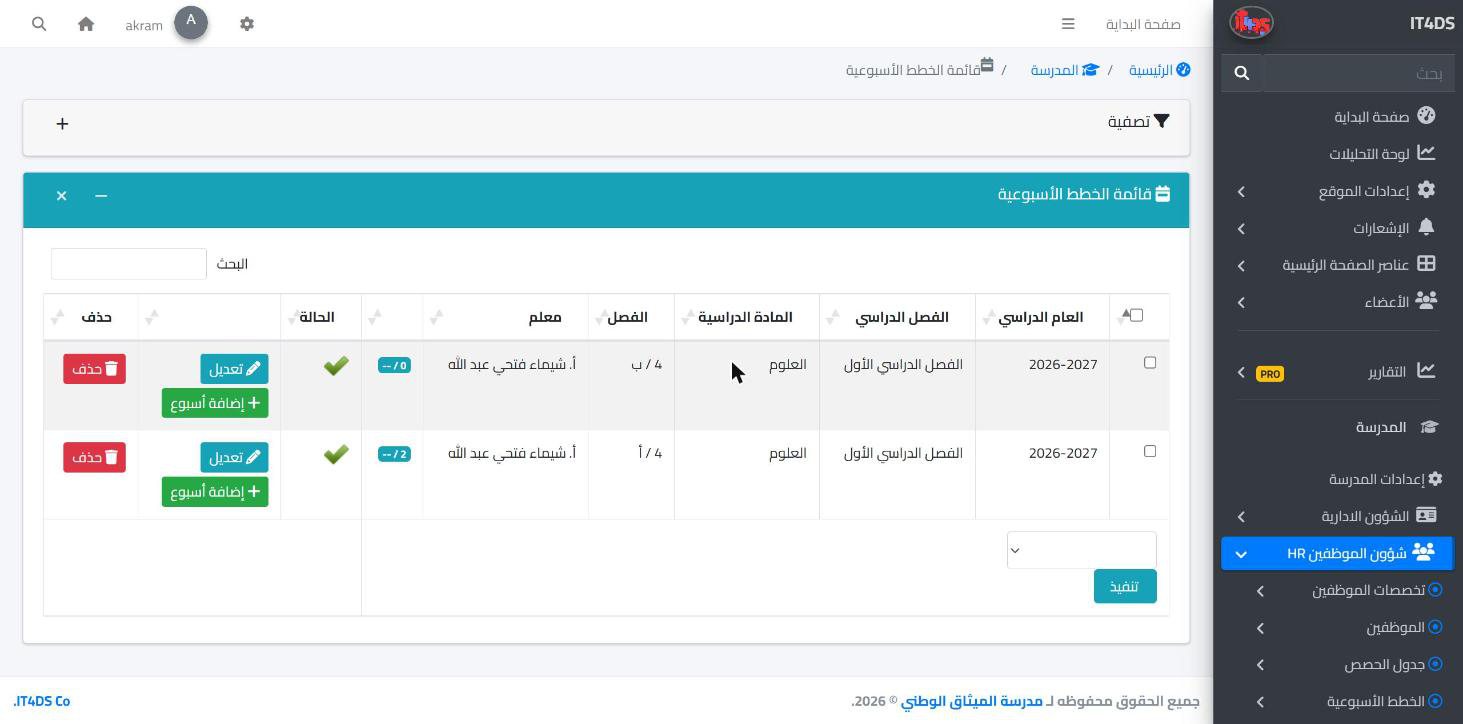
A weekly plan tells students and parents what will be taught this week, but it is usually a sheet that is sent home and lost. In Prima Schools each class and subject has one plan per term, made of ordered weeks, where the teacher writes each week's topic, the unit or chapter number and the week's dates.

For each week the teacher adds the lesson description, learning objectives, activities, homework and suggested resources, and updates its status: planned, in progress, completed or delayed. Teachers keep their own notes in the same week, hidden from students and parents.

Teachers write and edit the plan in the Prima Staff app, the administration follows it in the admin panel, and students and parents read it in the Prima Schools app. Parents know ahead what their child will study and can help them prepare, and the administration follows the curriculum in every class without waiting for paper reports.

What you get

A plan per class and subject

One plan for each class and subject every term, split into ordered weeks.

Week topic and unit

The lesson title, unit or chapter number, and the week's start and end dates.

Objectives and activities

The lesson description, learning objectives and class activities for each week.

Homework and resources

Expected homework and suggested resources for students in the same week.

Progress status

Planned, in progress, completed or delayed, to follow the curriculum closely.

Private teacher notes

Notes teachers keep for themselves in each week, not shown to students or parents.

Written in the teacher app

Teachers open the class plan and add or edit weeks in the Prima Staff app.

For students and parents

Students and parents read each subject's plan week by week in the Prima Schools app.

Who it helps

For teachers

An organised plan per class, written once and updated from the phone, instead of sending sheets every week.

For the administration

The curriculum's progress in every class and subject, and the delayed weeks, without waiting for reports.

For parents

They know what their child studies this week and what is expected, and can help them prepare.

For students

This week's lessons, objectives and resources before the lesson.

How it works

  1. 1
    Open the class and subject plan

    In the Prima Staff app or the admin panel, for the current term.

  2. 2
    Add the weeks

    Topic, objectives, activities, homework and resources for each week.

  3. 3
    Update the status, everyone sees it

    The teacher updates each week's status, and students and parents read the plan in the app.

Watch how it works

Academics

Frequently asked questions

All questions
Can teachers write the plan on their phone?

Yes, in the Prima Staff app, adding and editing weeks and updating their status.

Do parents see the weekly plan?

Yes, students and parents read each subject's plan in the Prima Schools app.

Do parents see the teacher's notes?

No, the teacher's private notes stay with the teacher and are not shown to students or parents.

How does the administration follow the curriculum?

From each week's status in the plan: planned, in progress, completed or delayed.

Is the plan per term?

Yes, each class and subject has one plan for each term of the year.

Ready to try Prima Schools at your school?

Create your account and start a trial, or book a live demo with our team.

No credit card required14-day free trial